Passenger flow simulation helps airports, stations, ferry terminals, curb zones, and urban mobility centers understand how people actually move through a space. It turns a static layout into a living model of arrivals, queues, service points, dwell time, crowding, accessibility routes, and disruption pressure.
For operators, the value is practical. A simulation can show whether a new kiosk zone will reduce queues, whether a security lane will overflow into circulation space, or whether staff can recover quickly after a delay. It also connects naturally with AI avatars in mobility, self-service support, traffic modeling, and 3D environment design already used across modern transport planning.
This expanded guide explains how passenger flow simulation works, why AI and 3D models make it easier to act on, what data is required, how to implement it, which KPIs to track, and how to keep the process responsible. The focus is not only on better visual models. It is on better decisions before passengers feel the cost of a bad layout.
Table of Contents
What passenger flow simulation does
Passenger flow simulation models the movement of people through transport environments. It can represent entry points, ticketing, check-in, security, platforms, gates, baggage areas, exits, elevators, escalators, retail zones, restrooms, assistance desks, parking links, and curbside pickup points. Instead of looking only at a floor plan, operators can see how demand, service speed, passenger choices, and physical constraints interact over time.
The model can also show ripple effects. A slow kiosk does not only delay the traveler using it. It can block a walkway, push a queue into another service zone, increase staff interruptions, and make wayfinding harder for passengers arriving behind the queue. Simulation makes these chain reactions visible before a change reaches the public.
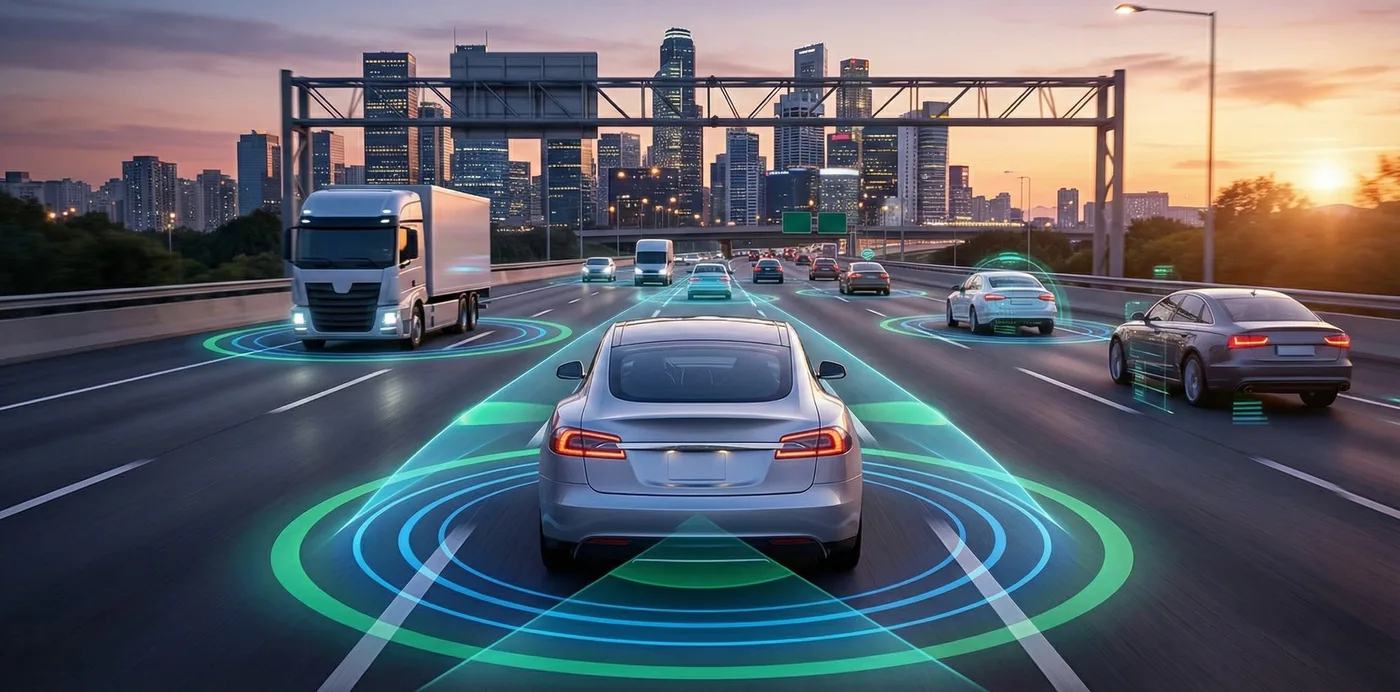
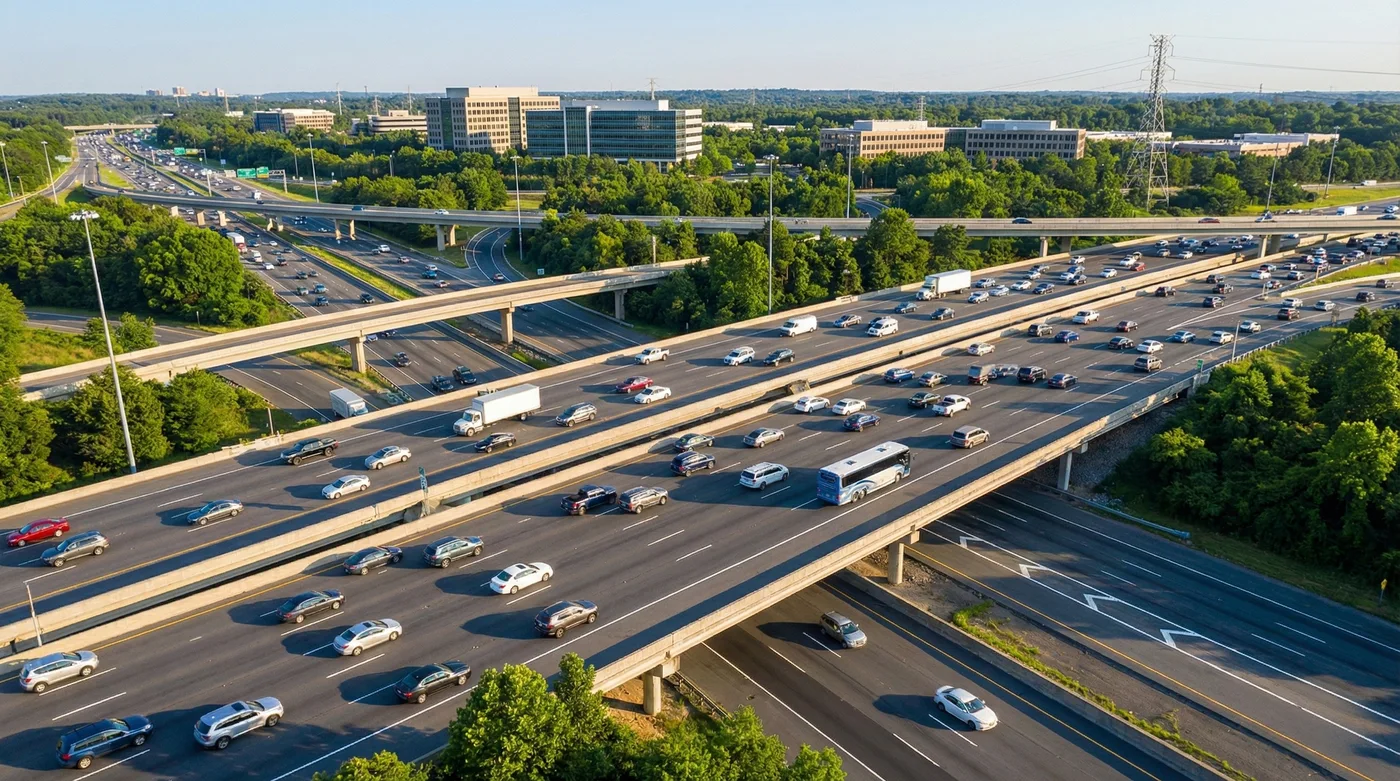
Teams that already use traffic simulation data can extend the same discipline indoors and around the curb. Passenger queues, vehicle drop-offs, platform access, and service desks are connected parts of one mobility experience.
Baseline modeling shows how the current hub performs during normal, peak, and low-demand periods.
Scenario testing compares layout, staffing, routing, signage, and self-service changes before physical work begins.
Disruption modeling prepares teams for delays, cancellations, weather events, strikes, incidents, and temporary closures.
Accessibility testing checks whether passengers with mobility, language, luggage, or assistance needs can complete journeys smoothly.
Why AI and 3D models improve planning
Traditional planning often depends on average passenger counts, manual observation, and stakeholder experience. Those inputs are useful, but they rarely show the full range of behavior. AI can help identify demand patterns, generate operational scenarios, forecast queue pressure, and test possible responses faster than a manual process.
3D models make those results easier to understand. Executives, operations teams, safety officers, architects, and frontline staff may read data differently, but they can all understand a realistic view of a concourse, gate area, platform, or curb zone. That shared view speeds up decisions and reduces the risk that an important constraint is missed.
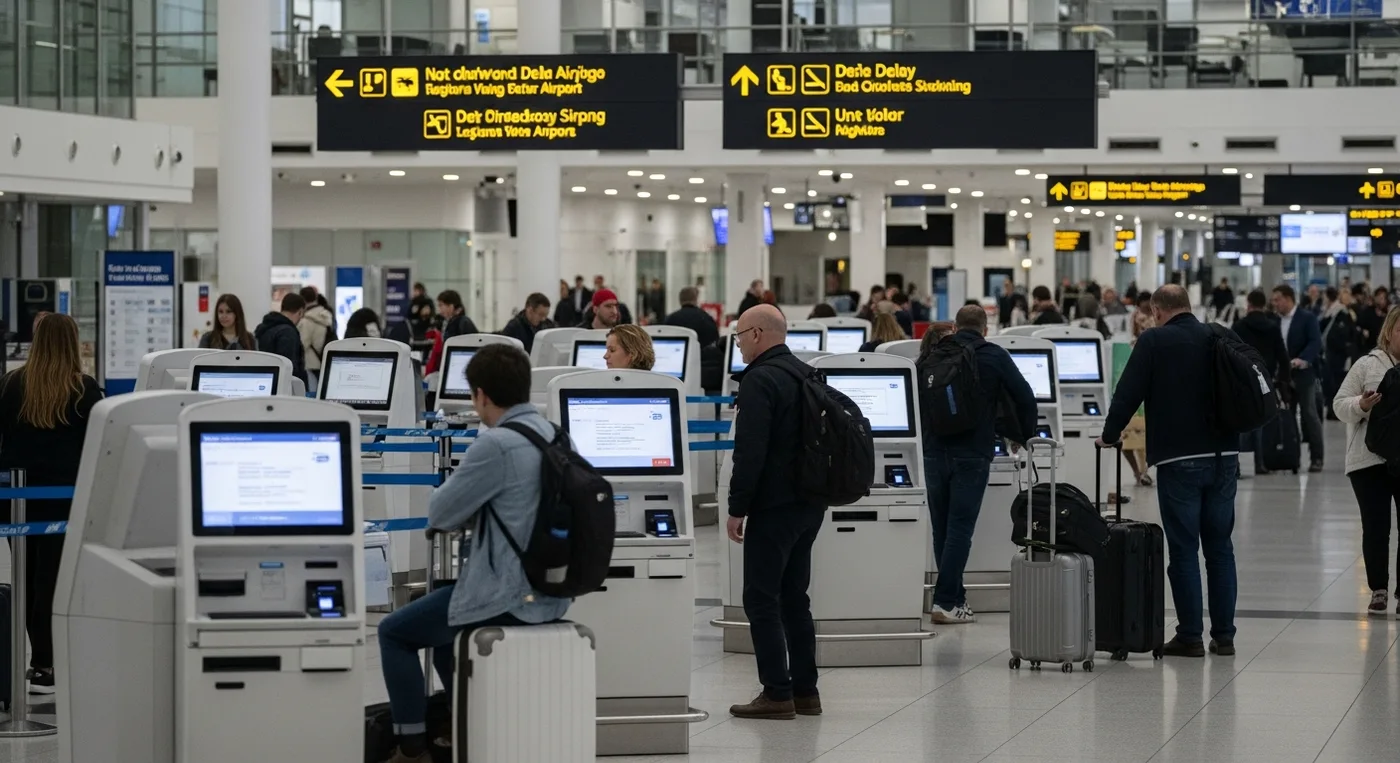
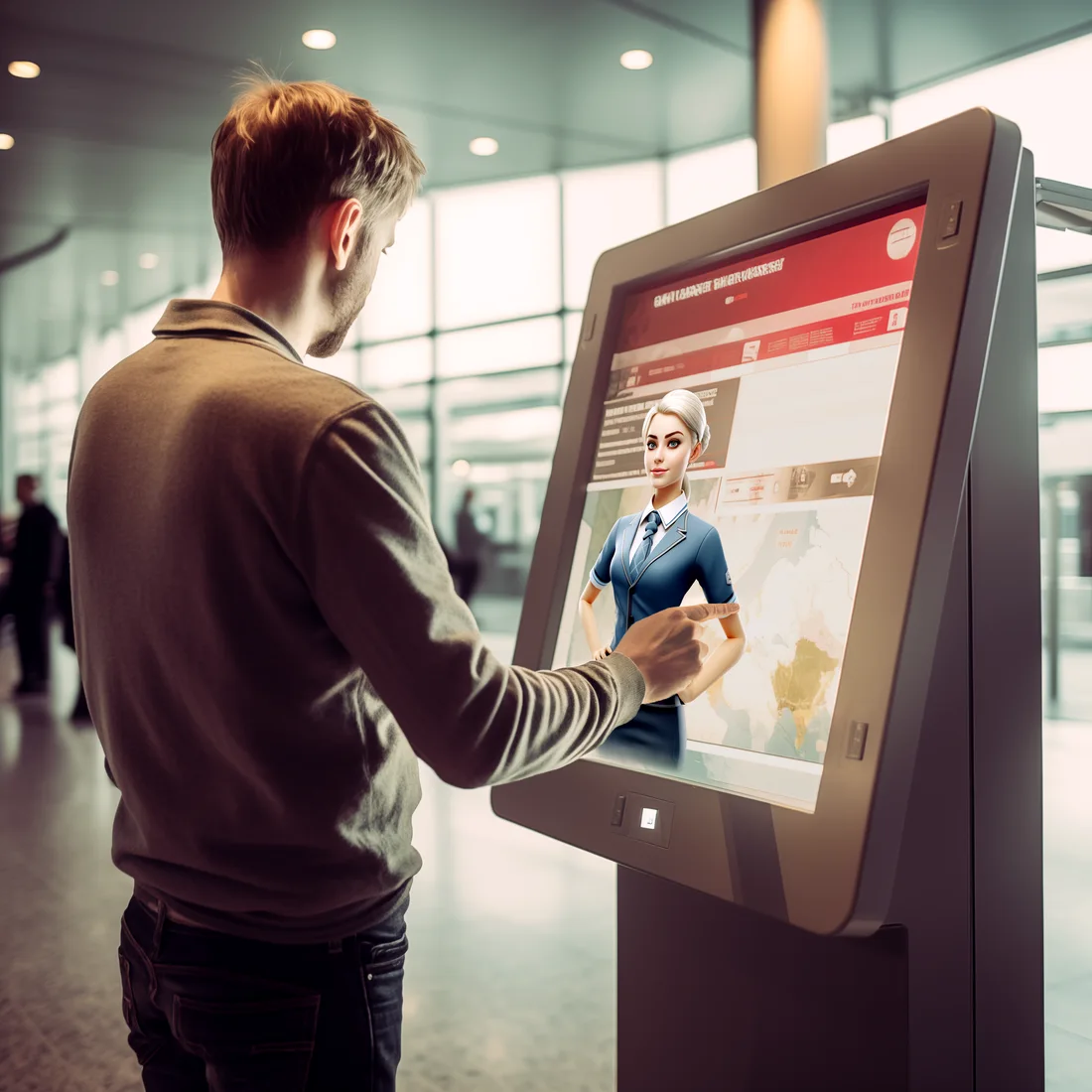
AI and 3D are especially powerful when paired with passenger-facing systems. For example, airport kiosks during irregular operations can be modeled as service points that reduce staff queues, while AI kiosks for mobility hubs can be tested for placement, handoff rules, language support, and peak usage.
Common improvements teams can test
Move self-service kiosks away from conflict zones while keeping them visible from arrival paths.
Change queue barriers, signs, and staff positions to reduce confusion during peak periods.
Adjust boarding, platform, or gate sequencing so crowding does not build at one access point.
Compare temporary layouts for construction phases, special events, weather disruption, or emergency response.
Where transport hubs use it
Passenger flow simulation is useful anywhere people, vehicles, services, and time-sensitive movement meet. Airports may use it for check-in, security, transfer corridors, boarding zones, immigration, baggage, and disruption care. Rail and metro operators may use it for platform crowding, interchange paths, elevator demand, and evacuation planning.
Urban mobility centers can use the same approach around bike-share docks, ride-hail pickup, shuttle transfer, pedestrian crossings, EV charging, ticketing, and last-mile delivery conflicts. The simulation does not need to cover the whole network at once. A focused model around one high-value bottleneck can be enough to produce a useful operating decision.
The work also supports broader mobility innovation planning because transport hubs increasingly blend physical infrastructure, digital service, AI support, and real-time routing. Simulation helps teams see how those layers affect each other.
Airports: check-in queues, security lanes, gate changes, missed connections, baggage claim, and passenger support desks.
Rail and metro stations: platform density, interchange walks, escalator use, crowd control, and accessibility paths.
Bus and ferry terminals: boarding waves, ticket checks, shelter capacity, and transfer coordination.
Curbside and mobility zones: taxi, ride-hail, shuttle, parking, micromobility, and pedestrian crossing conflicts.
Data needed before modeling
A good model depends on clear inputs. The goal is not to collect every possible data point. The goal is to collect enough reliable information to answer the operational question. If the question is about queue overflow, service rates and arrival curves matter. If the question is about transfer reliability, walking speeds, path choices, and schedule coordination matter more.
Data quality should be checked before the model is trusted. Passenger counts from one unusual week, outdated floor plans, or unrealistic staffing assumptions can make the simulation look precise while pointing the team in the wrong direction. Good simulation work is as much about validating assumptions as it is about visualizing the result.
Useful inputs to prepare
Current floor plans, 3D geometry, access points, barriers, signage positions, and service desk locations.
Passenger arrivals by time period, flight or train schedules, transfer patterns, ticketing modes, and event calendars.
Service rates for kiosks, desks, gates, screening lanes, elevators, escalators, and assistance handoffs.
Passenger profiles, including families, commuters, tourists, wheelchair users, low-vision passengers, and language-support needs.
Historical disruption records, delay patterns, weather events, missed connections, incident logs, and staff response times.
For road-connected hubs, teams can reuse lessons from transportation data collection. The same principles apply: define the decision first, validate the source, then test assumptions before treating output as truth.
Implementation steps for mobility teams
Passenger flow simulation works best when it is tied to a decision, not treated as a decorative 3D model. Start with the operational issue: long wait times, crowding at a checkpoint, poor transfer reliability, weak accessibility, disruption recovery, or future demand planning. Then create a baseline model that reflects the current state.
After the baseline is validated, test a small number of realistic interventions. Too many scenarios can make the work hard to explain. A practical first round might compare current operations, a kiosk relocation plan, a revised queue layout, and a staffing change. Each scenario should be measured with the same KPIs.
Define the decision: choose the passenger problem, location, time window, and success criteria.
Build the baseline: map the space, add demand patterns, service rates, and current operating rules.
Validate with people: review the baseline with operations staff, accessibility teams, and frontline supervisors.
Test changes: compare layout, staffing, routing, kiosk placement, signage, and disruption workflows.
Pilot carefully: apply the best option in a controlled setting, then measure actual passenger outcomes.
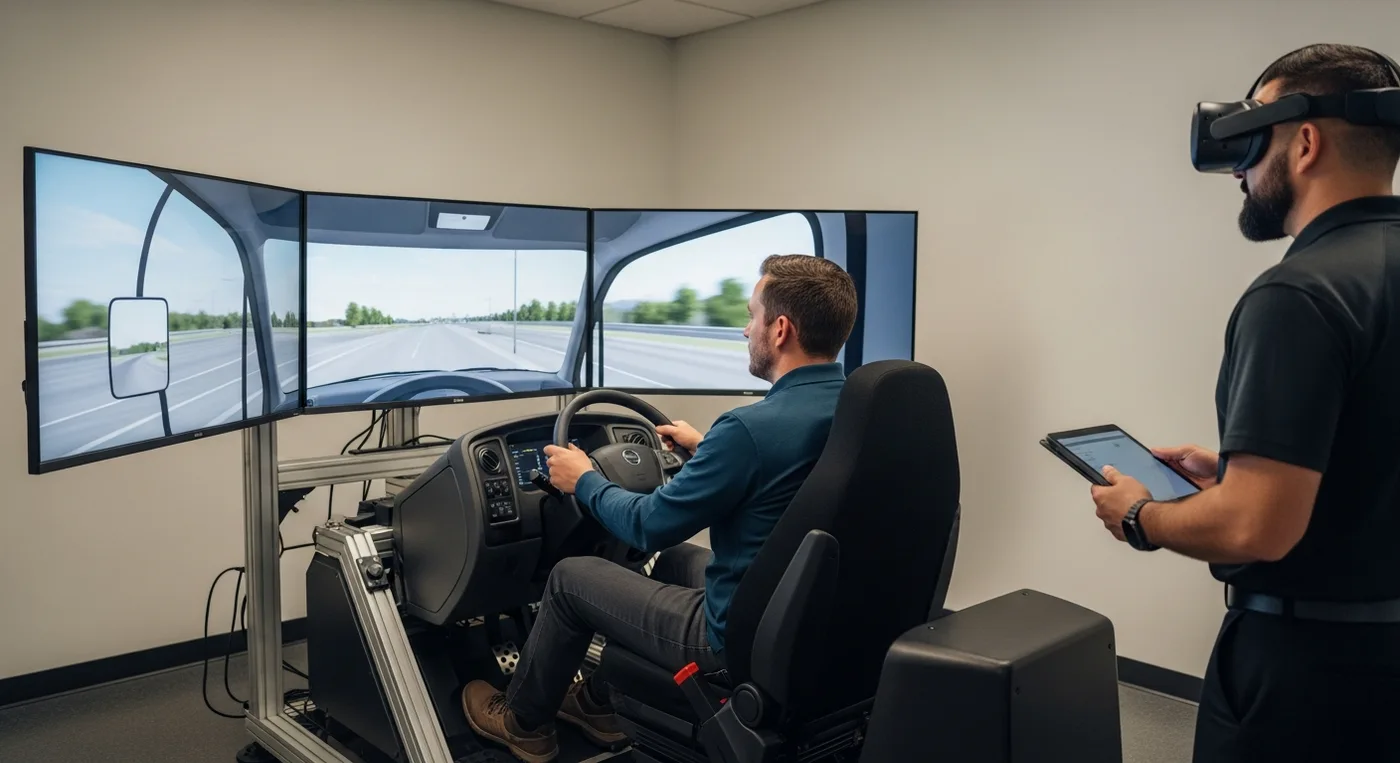
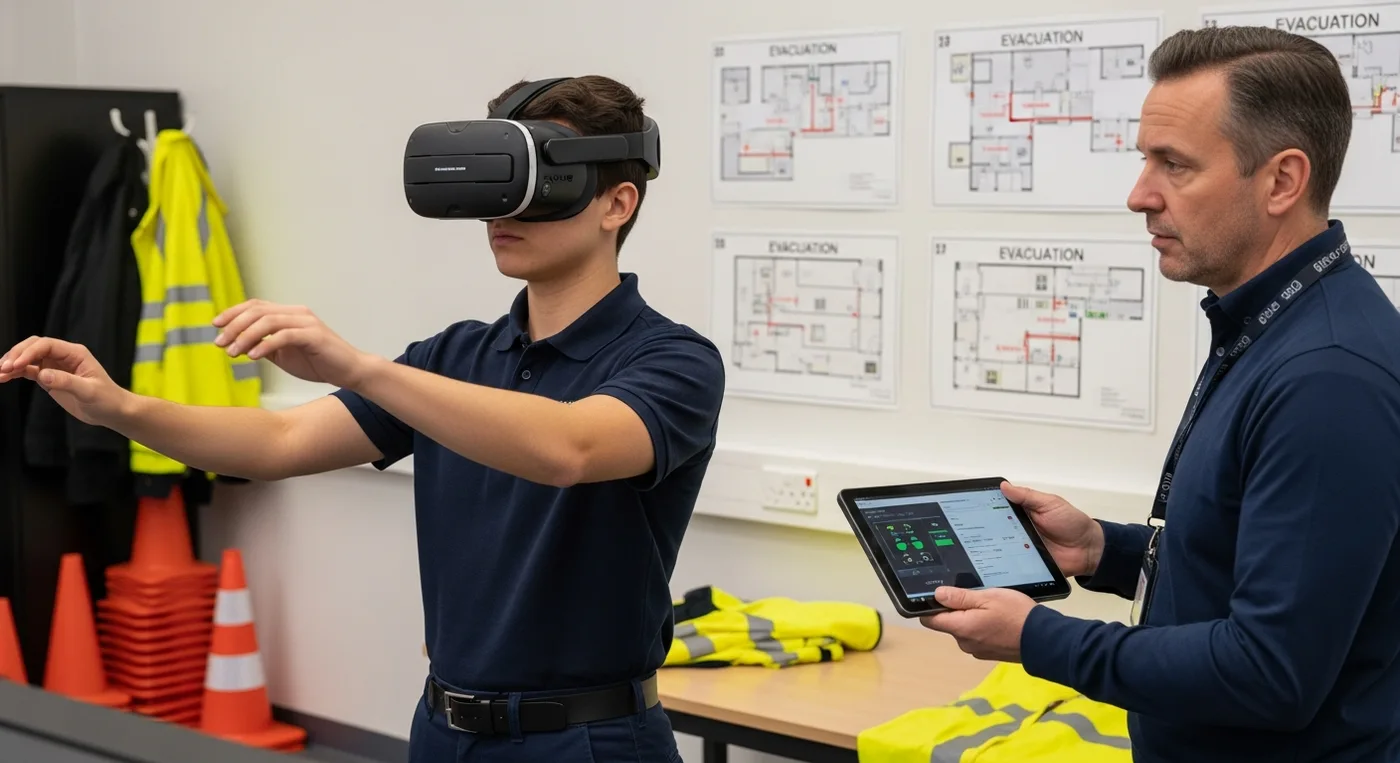
Simulation can also support staff training. A high-risk passenger flow scenario can be paired with VR emergency response training so teams practice decisions before a busy terminal, station, or mobility hub is under pressure.
KPIs that prove passenger flow is improving
The right KPIs depend on the hub and the decision. A station operator may focus on platform density and interchange time. An airport may focus on queue length, missed connection risk, support desk load, and recovery time after disruption. A curbside operator may focus on dwell time, pickup conflicts, and pedestrian safety.
The key is to measure both efficiency and passenger experience. A layout that moves people faster but confuses accessibility routes is not a successful design. A kiosk plan that reduces staff queues but creates crowding in the walkway has simply moved the problem. Useful metrics should reveal speed, safety, comfort, and recoverability.
Average and peak wait time by service point, queue, route, and passenger type.
Passenger throughput per hour through gates, platforms, lanes, desks, or transfer corridors.
Queue spillover frequency, maximum queue length, and time spent above safe density thresholds.
Dwell time in critical zones such as concourses, ticket halls, baggage areas, platforms, and curbside pickup.
Missed connection risk, disruption recovery time, staff intervention rate, kiosk completion rate, and unresolved passenger requests.
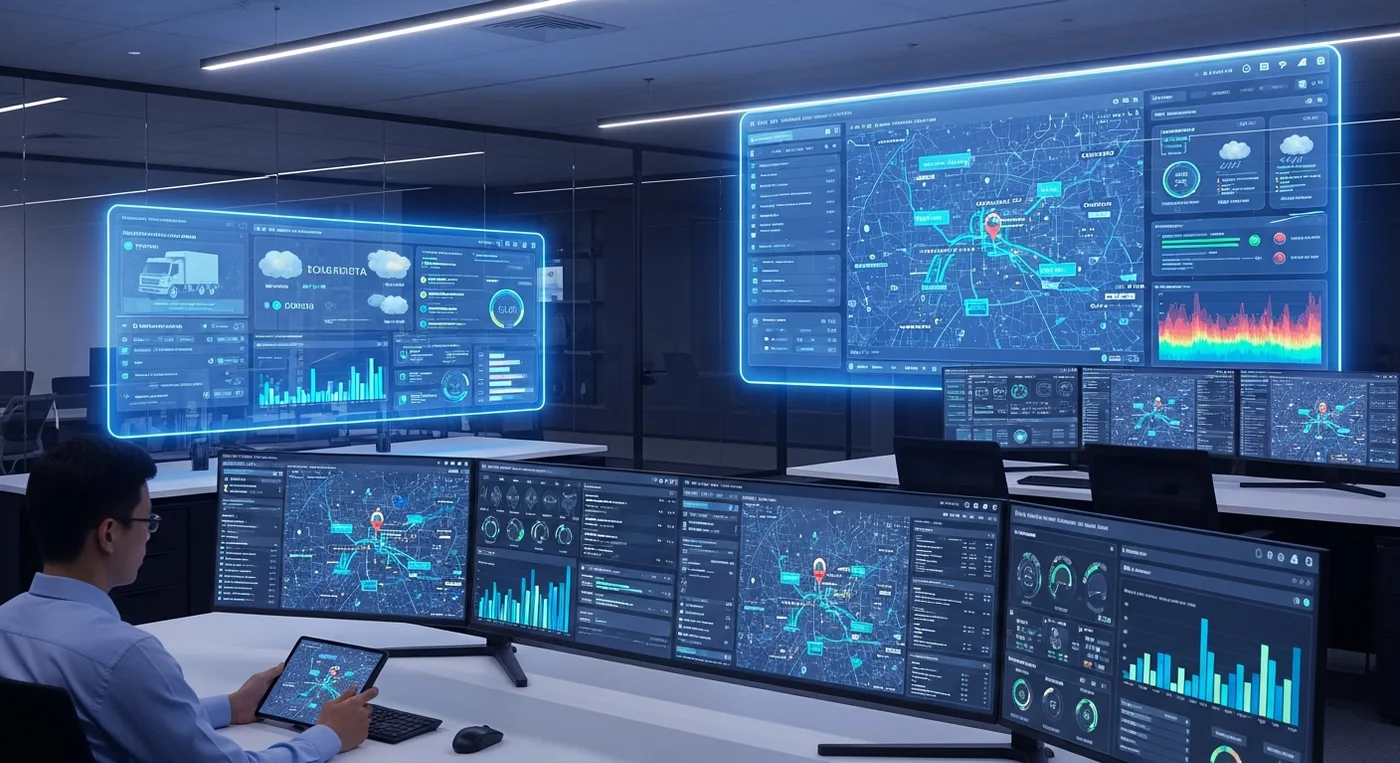
These KPIs can be reviewed alongside AI transportation operations and AI navigation assistant systems when routing, fleet information, weather, and passenger support all influence the same journey.
Privacy, safety, and responsible AI
Passenger flow simulation can use sensitive inputs, especially when data comes from cameras, Wi-Fi signals, mobile apps, ticketing systems, or support interactions. Responsible teams use aggregated and anonymized data where possible, document how data is collected, and limit access to people who need it for planning or operations.
AI should support judgment, not replace it. A model may predict a low-risk scenario while frontline teams know a route feels unsafe, confusing, or inaccessible. Human review is especially important for vulnerable passengers, emergency planning, evacuation routes, and service decisions that affect people with disabilities.
Avoid personally identifiable data unless there is a clear legal basis and a defined operational need.
Use aggregated movement patterns for planning whenever individual tracking is unnecessary.
Review model outputs with safety, accessibility, privacy, security, and frontline operations teams.
Document assumptions so future teams know why a layout or staffing decision was recommended.
Mistakes to avoid
The most common mistake is treating simulation output as a perfect prediction. Transport hubs are human environments. People stop, hesitate, travel in groups, carry luggage, need assistance, miss signs, ask questions, and respond differently during stress. A model is useful because it improves planning, not because it removes uncertainty.
Another mistake is building a beautiful 3D scene without a clear operating question. Visual quality helps stakeholders understand the space, but the model still needs demand inputs, service assumptions, test scenarios, and KPI reporting. Otherwise, it becomes a presentation asset rather than a planning tool.
Do not model only the average day. Include peaks, delays, cancellations, events, weather, and staffing gaps.
Do not ignore accessibility routes, vertical circulation, language support, or assisted passenger workflows.
Do not test too many interventions at once. Isolate changes so teams can see what actually helps.
Do not publish a recommendation until operations staff have reviewed whether it can be executed in real conditions.
Future trends in simulation-led transport design
Passenger flow simulation is moving from occasional planning study to continuous operational intelligence. As sensors, digital twins, AI routing, and passenger support systems improve, hubs will be able to compare scenarios more often and adjust operating plans faster. That shift matters because passenger expectations are rising while transport networks face more disruption, construction, weather volatility, and capacity pressure.
Future models will likely combine 3D environments, live demand signals, staff rosters, service disruptions, weather feeds, accessibility requirements, and passenger communication tools. That does not mean every decision becomes automated. It means operators can see the likely impact of a change before applying it to a busy public space.
This future is also linked to better 3D simulation technologies. More realistic environments will help planners, executives, and frontline teams understand not just where people move, but why they choose certain routes and where support should appear.
FAQ
What is passenger flow simulation?
Passenger flow simulation is a model of how people move through a transport space. It represents arrivals, routes, queues, service points, dwell time, crowd density, and disruption scenarios so teams can test decisions before changing the real hub.
How long should a passenger flow simulation project take?
A focused model for one bottleneck can be built and reviewed faster than a full terminal digital twin. Timelines depend on data access, model detail, validation needs, and how many scenarios the team wants to compare.
Do transport teams need a full 3D model?
Not always. A simple movement model may answer a narrow queue or staffing question. A 3D model becomes more valuable when stakeholders need to understand spatial tradeoffs, signage, accessibility, passenger experience, and physical redesign options.
What data is most important?
The most important data is the data tied to the decision. Common inputs include floor plans, passenger arrival patterns, service rates, schedules, path choices, staff rules, accessibility requirements, and disruption history.
Can AI improve passenger flow simulation?
Yes. AI can help generate scenarios, forecast demand, detect patterns, and evaluate routing or staffing options. The outputs still need human validation, especially where safety, privacy, accessibility, and public service quality are involved.
Can simulation reduce airport and station wait times?
It can reduce wait times when operators use it to compare practical changes such as queue layouts, service desk placement, kiosk availability, staff assignment, and routing instructions. The improvement depends on acting on the findings.
How does simulation help during disruptions?
During delays, cancellations, weather events, incidents, or temporary closures, simulation can show where queues and confusion will build. Teams can test rebooking zones, staff handoffs, signage, and passenger support before disruption pressure peaks.
How should privacy be handled?
Use aggregated or anonymized data wherever possible, limit access to sensitive inputs, define retention rules, and review the model with privacy and security stakeholders. Passenger trust matters as much as operational efficiency.
Where should a mobility team start?
Start with one high-value operational problem. Build a baseline, validate it with frontline teams, test a few realistic interventions, measure the KPIs, and then decide whether the approach should expand to a wider digital twin.
Conclusion
Passenger flow simulation helps mobility teams move from reactive fixes to tested decisions. It shows how passengers, spaces, services, vehicles, staff, and disruptions interact, then gives operators a practical way to compare options before they affect the public.
For teams planning smarter transport hubs, AI passenger support, 3D simulation, kiosk workflows, and disruption-ready operations, Mimic Mobility can help turn passenger movement into a clearer planning and decision system.