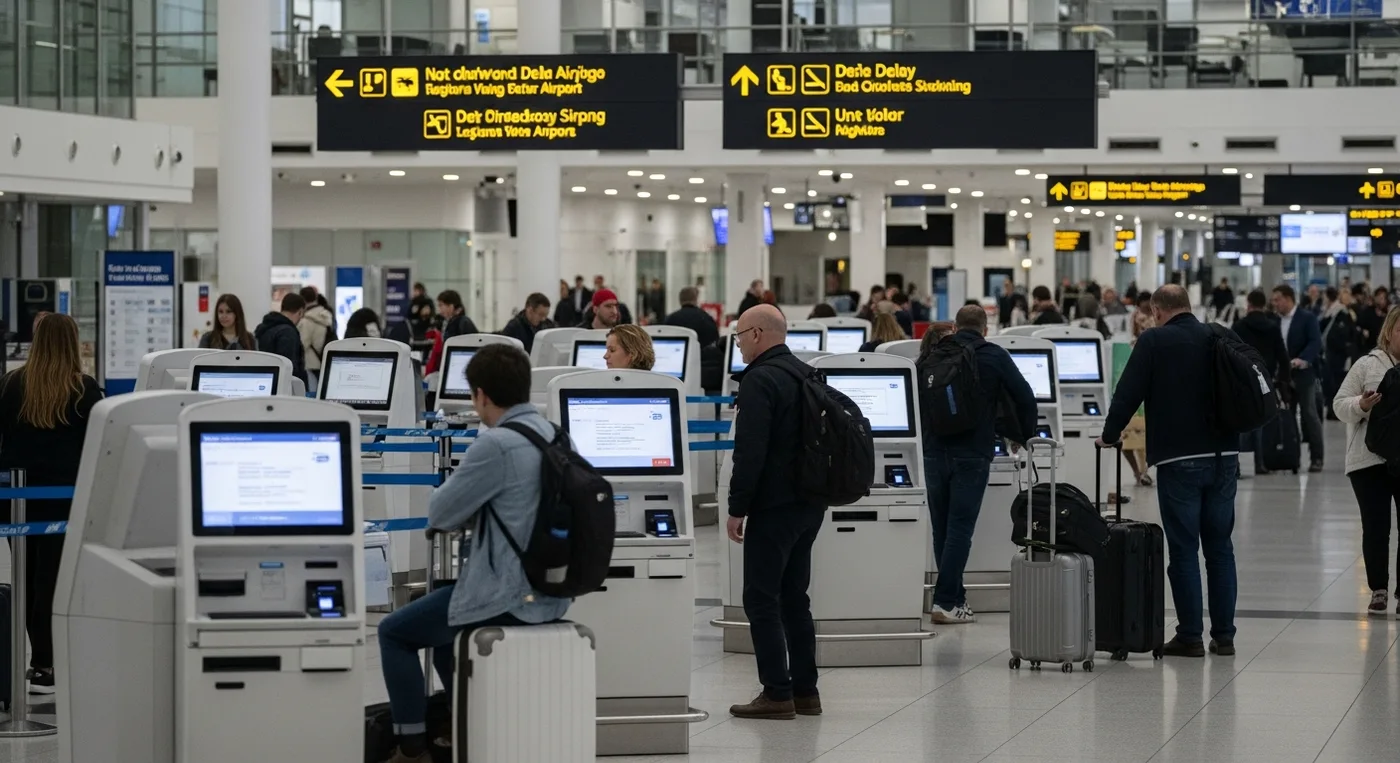
Irregular operations do not feel like a single problem to passengers. They feel like a cascade. A gate change that is not reflected on a screen. A rebooked itinerary that is not visible in the app. A line that stops moving because one exception case blocks the entire counter.
In those moments, the airport becomes a communications system under stress. The winners are the teams who can restore clarity fast, at walking pace, across languages, and without forcing everyone into a single bottleneck.
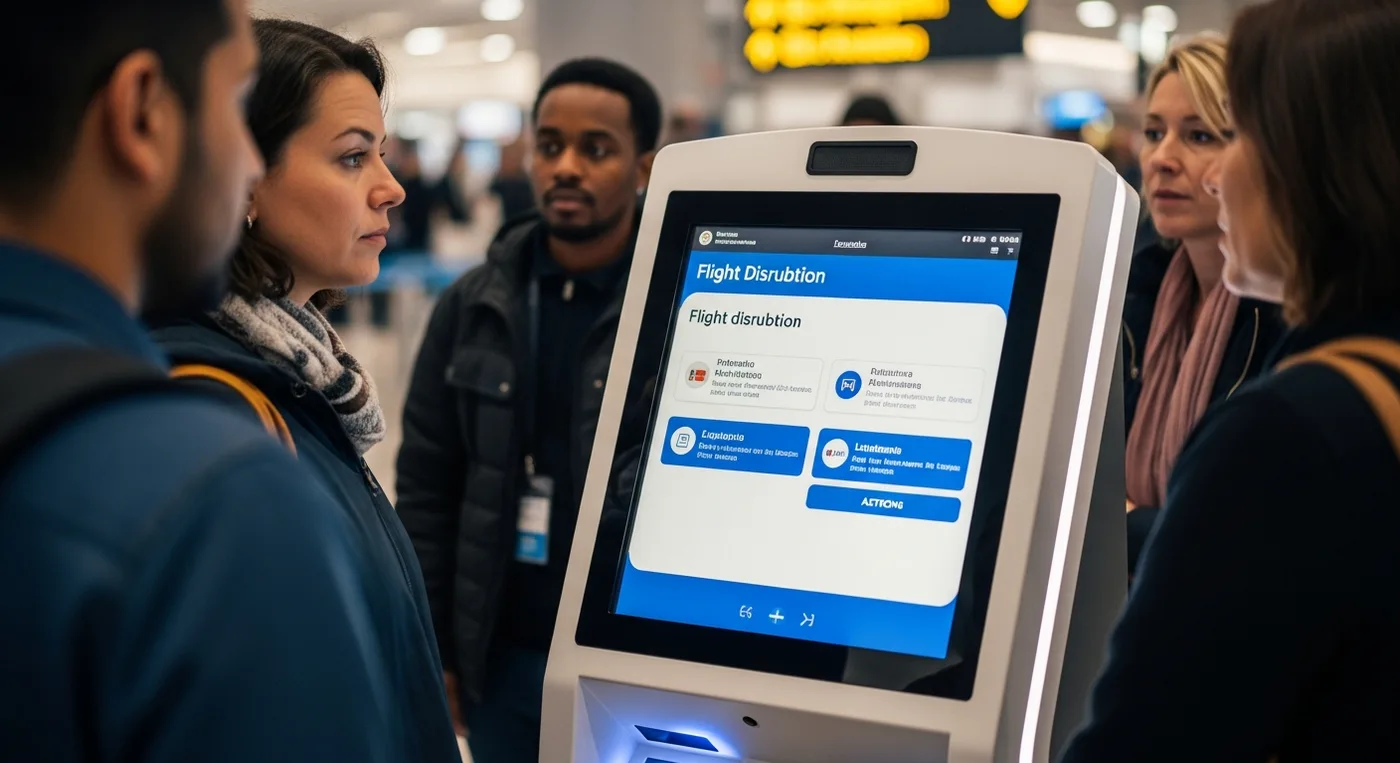
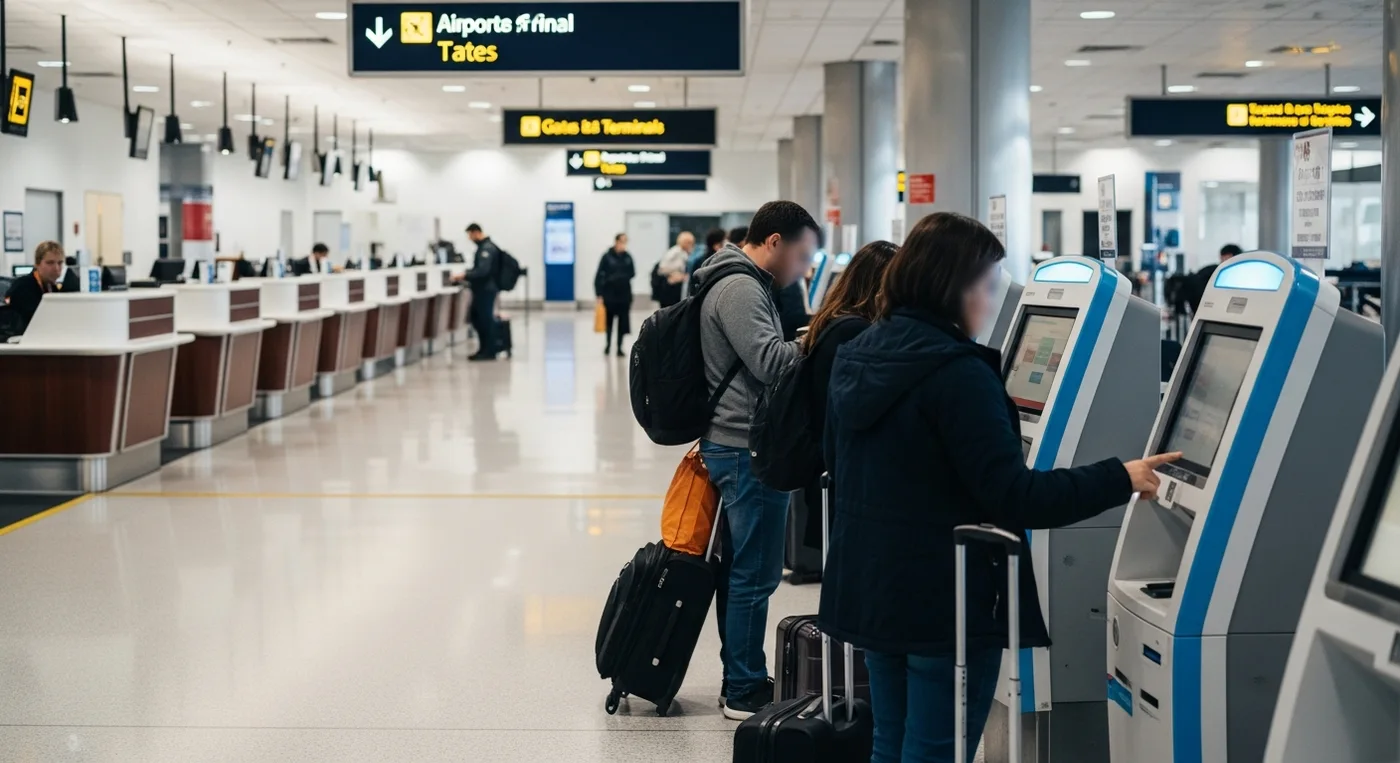
This is where airport kiosks earn their keep. Not as static check-in machines, but as resilient passenger touchpoints that can absorb demand, deliver consistent instructions, and hand off complex cases to staff with clean context. If you are mapping a disruption playbook, start with how kiosks can keep passengers moving, informed, and supported.
For a broader view of why this shift is happening across hubs, see Mimic Mobility’s perspective on why ai kiosks are becoming essential for airports and stations.
Table of Contents
What breaks during disruption, and what kiosks can stabilize?
Designing kiosk flows for delays, cancellations, and weather events
Comparison of recovery workflows passengers actually experience
What breaks during disruption, and what kiosks can stabilize?
During a flight disruption, the primary failure is not a lack of information. It is fragmentation. Passengers receive different answers depending on which screen they look at, which agent they reach, and which system is currently “ahead” of the others.
A well-designed kiosk network can stabilize three things fast: decision-making, wayfinding, and fairness.
Consistency: Use disruption messaging templates that translate operational rules into passenger language. For example, “You are eligible for an earlier flight” plus the next three options, not a generic apology screen.
Triage: Route simple journeys through airport self-service while flagging complex cases for staff. Think unaccompanied minors, wheelchair services, pet-in-cabin, or tight international connections.
Continuity: Maintain a session across screens so a passenger who starts at one kiosk can complete at another, or hand off to a desk without repeating the story. This is where common-use passenger processing matters.
Confidence: Provide step-by-step guidance with clear confirmation statements. In disruption, passengers do not trust a single screen. They trust repeatable outcomes.
Direction: Pair terminal wayfinding with service intent. “Go to gate A12” is not enough. “Go to A12. Boarding starts at 18:10. Your new seat is 14C. Bag stays checked” is what reduces crowding.
From a systems view, kiosks become a pressure relief valve for the passenger service system and the physical terminal. The goal is not to “replace” staff. The goal is to keep staff available for the exceptions that truly need judgment.
When Mimic Mobility designs a kiosk experience, we treat it like a human-centered interface that belongs to a wider system. That includes a conversational ai avatar layer, operational guardrails, and a role inside the terminal’s service choreography. Explore how that service model extends across touchpoints on our ai avatars page.
Designing kiosk flows for delays, cancellations, and weather events
Most kiosks are built for normal times. Disruption design is different. You are designing for stressed cognition, limited time, and high emotional load. Good disruption flows are shorter, more confirmatory, and more explicit about what happens next.
Here is a practical workflow structure Mimic Mobility uses when shaping kiosk experiences for irregular operations.
Trigger: Detect the disruption state and present the correct “entry door.” A weather event requires different paths than a single aircraft swap.
Identify: Confirm passenger identity with minimal friction. Then pull the itinerary and entitlements. This step should degrade gracefully when connectivity is poor.
Explain: Provide a single, plain-language disruption summary first, then details on request. This reduces misreads and prevents passengers from skipping instructions.
Offer: Present passenger rebooking options that are realistic, not aspirational. Show tradeoffs like time, connections, and seat availability.
Commit: Confirm the rebooked plan with a receipt screen that includes what to do physically next. Gate, terminal, baggage, and any required desk visit.
Assist: Offer a “need help” branch that creates a staff-ready case card. That case card should include context so the passenger does not restart the process at a counter.
To make this work at scale, the kiosk layer needs disciplined integration points.
Orchestration: Connect offers and confirmations through the departure control system so seat maps, boarding status, and check-in state stay aligned.
Eligibility: Apply airline rules and airport policies from the passenger service system without exposing the complexity to passengers.
Updates: Treat alerts as a service, not a banner. Disruption messaging should be a controlled pipeline with approvals, localization, and timing.
Interchange: Design apis integration so kiosks can pull live status, push changes, and log every action for audits and customer support.
Now add the human layer. The best disruption kiosks do not pretend the machine can solve everything. They clearly show when a human will step in and what the passenger should bring to that interaction.
A final design note. If your kiosk experience relies on passengers reading dense paragraphs, it will fail. Use short screens, large tap targets, and confirmations that reduce second-guessing.
Comparison of recovery workflows passengers actually experience
Comparison of passenger recovery paths during delays and cancellations
Workflow moment | Traditional counter-first recovery | Kiosk-led recovery with assisted handoff |
First instruction | Crowd forms. Passengers wait to learn what to do | Kiosk shows the next best action based on disruption type |
Options presented | Agent explains alternatives one-by-one | Kiosk lists eligible options and tradeoffs for passenger rebooking |
Communication style | Varies by staff member under pressure | Standardized disruption messaging with localization |
Time to resolution | Long for simple cases | Fast for simple cases, escalates only true exceptions |
Wayfinding | Passengers wander between screens and gates | Built-in terminal wayfinding tied to the chosen outcome |
Data consistency | High risk of mismatched states | Integrated with departure control system and logs for continuity |
Accessibility | Depends on line access and language availability | Designed for multilingual support and readable UI patterns |
Applications In Mobility
Disruption is a visible airport problem, but the underlying pattern is broader. When service demand spikes and humans become scarce, kiosks and assistants can keep mobility systems functional.
Gate and terminal recovery: Passenger assistance kiosks can issue updated boarding passes, surface gate changes, and reduce crowd density around a single podium.
Multilingual triage: Multilingual support becomes operational, not just cosmetic, when kiosks handle high-volume questions in multiple languages while staff focus on edge cases.
Hub navigation support: Pair kiosks with a routing layer similar to an ai navigation assistant integrated with weather and traffic data, so “where to go” stays aligned with real-time conditions.
On-site accessibility: Use Mimic Mobility’s tech capabilities to support inclusive interactions, including attention-aware UI pacing with eye tracking in controlled environments.
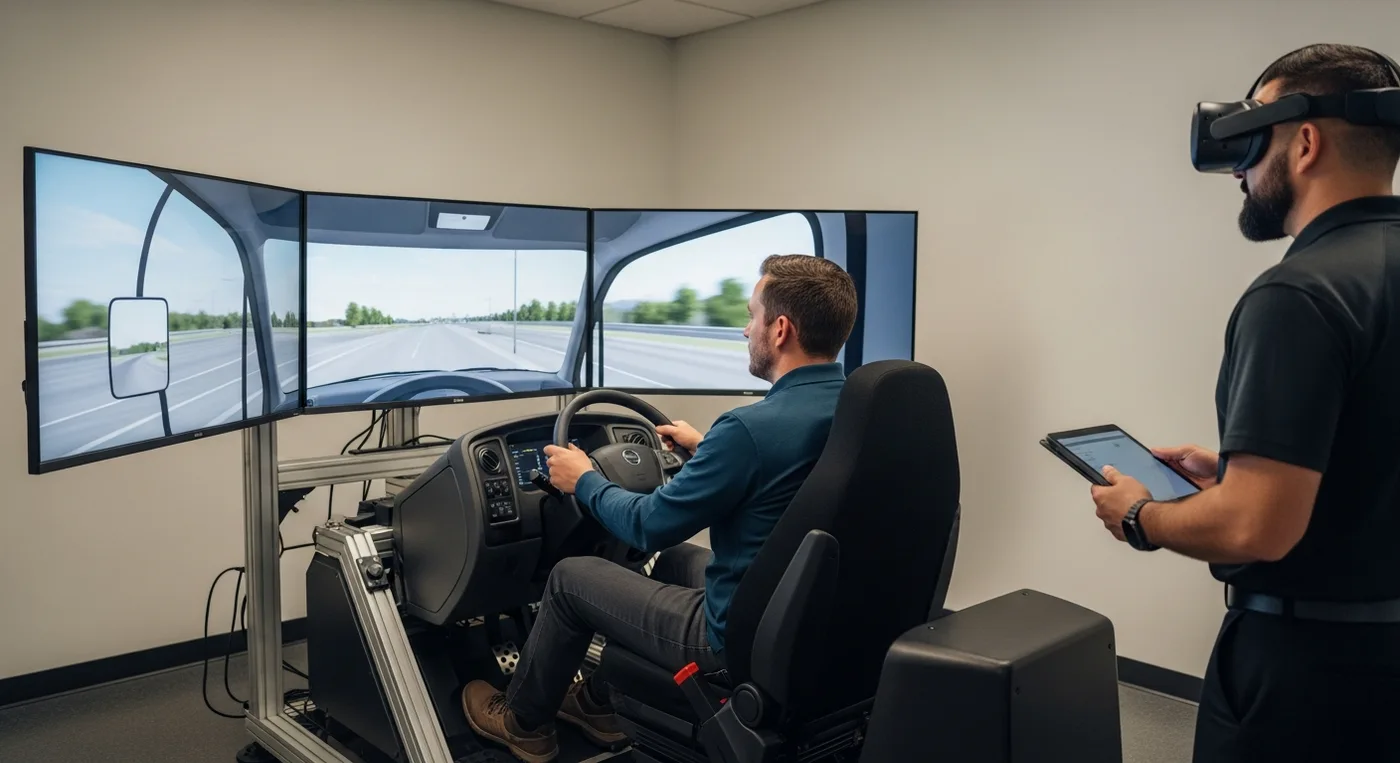
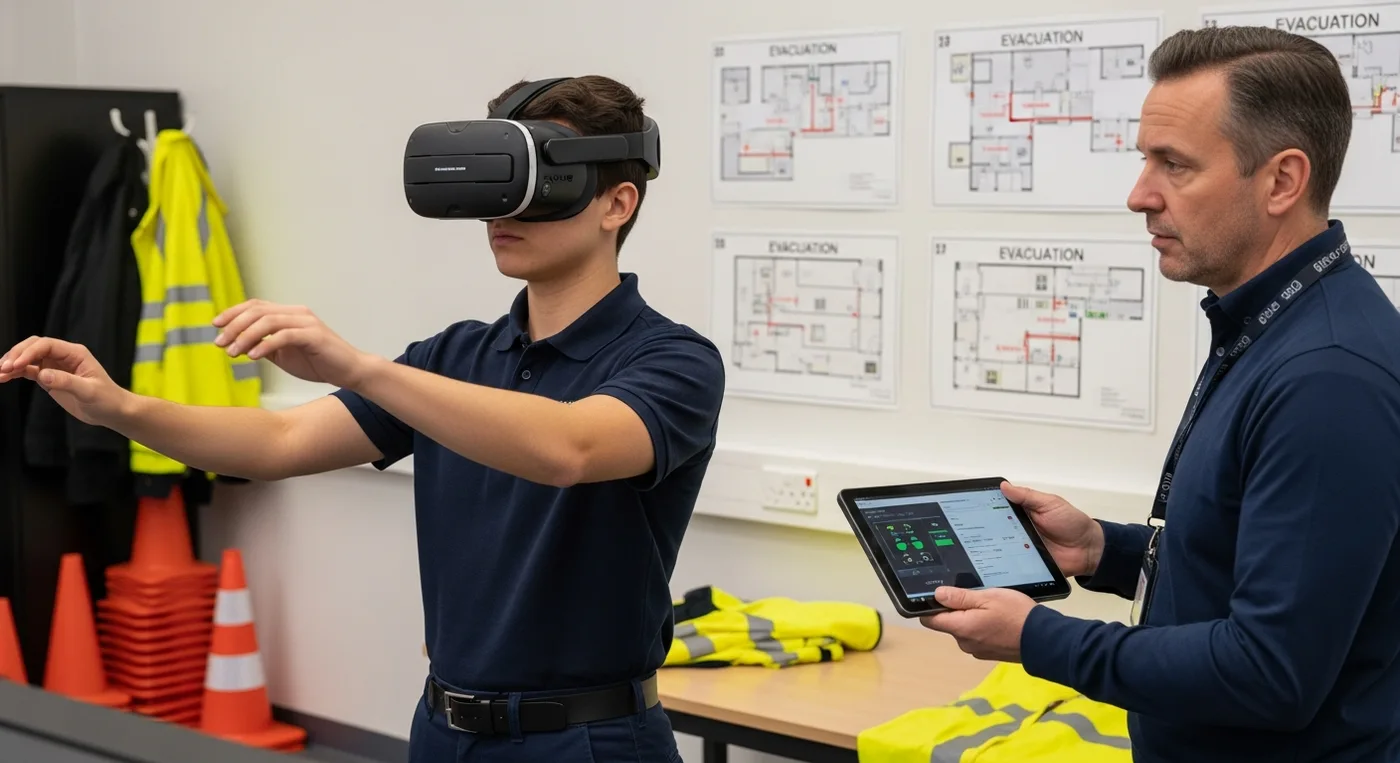
Training and readiness: Airports can prepare staff for disruption days using vr training scenarios that reflect their own terminal layouts, signage, and passenger behaviors.
Benefits
When designed as part of the overall passenger journey, kiosks create measurable relief during disruption without changing the airport’s physical footprint.
Throughput: Reduce time-to-decision for common cases through airport self-service flows that do not require an agent.
Clarity: Standardize disruption messaging so passengers receive the same instructions regardless of where they ask.
Fairness: Present options consistently, reducing perceived “line lottery” when cancellations hit.
Scalability: Extend self-service check-in patterns into disruption recovery without rebuilding the entire experience.
Continuity: Improve handoffs by passing a kiosk session summary to staff, instead of forcing passengers to repeat details.
Trust: Calm, readable interfaces lower conflict at counters and improve overall terminal behavior during stress.
Considerations For Mobility Teams
Disruption support is not only UX. It is governance, integration, and operational rehearsal.
Governance: Define who can publish disruption messaging, in which languages, and under what approval rules.
Integration: Validate apis integration pathways for partial outages. Plan for degraded modes when one upstream system is delayed.
Exception handling: Specify what must go to a human, and make that branch fast. This is where kiosks protect staff capacity.
Accessibility: Audit UI sizing, language fallback behavior, audio options, and queue-free access for passengers who cannot stand in long lines.
Security: Treat kiosk actions like transactional systems, with logs, rate limiting, and safeguards tied to the passenger service system.
Simulation: Test disruption flows using 3d simulations of passenger movement and counter queues so you can predict pinch points before a storm day arrives.
Future Outlook
Over the next few years, the kiosk will look less like a device and more like a service node. Passengers will move between phone, kiosk, and staff without losing context, while airports use live operational signals to shape what each touchpoint should do.
In Mimic Mobility’s work, the strongest pattern is convergence. AI kiosks become front doors to a broader assistance layer that includes expressive interfaces, localized guidance, and escalation paths that preserve dignity under stress. The “screen” is only one piece. The service design is the product.
This is also where simulation becomes a competitive advantage. Airports and mobility operators can prototype disruption playbooks inside 3d simulations, then rehearse staff coordination with VR training that reflects real terminal geometry, signage, and passenger load patterns. Teams that simulate can iterate faster and roll out calmer experiences when the weather turns.
Conclusion
Disruption will always happen. What changes is how quickly an airport can restore clarity, and how evenly it can distribute help.
The best airport kiosks do not act like standalone machines. They act like consistent, multilingual, system-aware assistants that help passengers make decisions, navigate the terminal, and resolve the most common cases without joining a single, overwhelmed line.
Mimic Mobility builds these experiences as part of a wider mobility interface stack. That includes conversational ai avatar design for human-like guidance, operational integration across the departure control system and passenger service system, and simulation-led validation so disruption flows work in reality, not only in a demo.
FAQs
What should airport kiosks do first when a cancellation is announced?
They should immediately switch into a disruption entry flow that explains what happened in plain language, then offers the next best action. Most passengers need fast choices and clear next steps, not a generic status page.
Can kiosks handle passenger rebooking without creating more confusion?
Yes, if the kiosk only shows eligible options, confirms tradeoffs clearly, and produces a “receipt” that tells the passenger exactly what to do next. A guided flow beats a long list of possibilities.
How does multilingual support change disruption outcomes?
It reduces misinterpretation and lowers conflict at desks. In disruption, passengers do not only need translation. They need culturally clear instructions, especially around entitlements, timing, and where to go next.
What integrations matter most for disruption-ready kiosks?
At a minimum, alignment with the departure control system for check-in and boarding state, plus policy logic from the passenger service system. Without those, kiosks can display options that cannot be executed.
Do kiosks replace staff during irregular operations?
No. They protect staff capacity. The goal is to resolve high-volume, low-complexity cases quickly, then hand off exceptions with context so agents can focus on judgment calls.
How do you test a kiosk disruption flow before peak season?
Run tabletop exercises for messaging and escalation, then validate the physical and behavioral realities using 3d simulations and role-based VR training. Simulation reveals queue pinch points and signage failures early.
What is the role of disruption messaging beyond pop-up alerts?
It is a managed content pipeline. It should be templated, localized, timed, and consistent across kiosk, app, and signage so passengers do not receive contradictory instructions.