
Automotive HMI testing is becoming a core requirement as vehicles, fleets, shuttles, transport hubs, and mobility services add AI assistants to the driver and passenger experience. A strong in-vehicle assistant can explain route changes, vehicle status, safety prompts, comfort settings, support options, and service disruptions in a way that feels natural. A weak interface can distract drivers, confuse passengers, or hide important operating details when pressure is high.
The question is no longer whether an interface looks futuristic. Mobility teams need proof that the HMI behaves clearly in real traffic, unfamiliar routes, poor connectivity, multilingual passenger moments, and high-workload driver scenarios. That is where AI assistants, 3D simulation, virtual driving environments, and operational data need to work together.
This guide explains what automotive HMI testing should prove, why AI in-vehicle assistants raise the bar, how simulation improves interface decisions, which data teams need, which KPIs matter, and how responsible AI controls should shape the rollout.
Table of Contents
What automotive HMI testing needs to prove
Automotive HMI testing checks whether people can understand and use a vehicle interface safely, quickly, and confidently. In a mobility context, HMI can include dashboards, center displays, voice assistants, AI avatars, passenger screens, kiosk handoffs, mobile companion apps, and control-room workflows that send instructions into the vehicle.
The goal is not only usability. The interface must support real decisions. A fleet driver may need a route change during poor weather. A passenger may need a clear explanation about a delay. A service operator may need to know whether a warning should be shown visually, spoken aloud, or escalated to staff. Testing gives teams evidence before those moments happen live.
Can drivers complete priority tasks without unsafe distraction?
Can passengers understand what the AI assistant is asking or recommending?
Does the interface remain clear during delays, disruptions, poor connectivity, and construction?
Can human staff take over when the assistant reaches a sensitive or uncertain scenario?

Why AI in-vehicle assistants raise the bar
Traditional vehicle screens usually follow fixed menus and predictable prompts. AI assistants add conversation, personalization, context, and multimodal input. That makes them more useful, but it also makes testing harder. A generative answer can vary. A voice prompt can interrupt at the wrong time. A digital avatar can feel reassuring in one context and distracting in another.
For mobility brands, AI assistants need guardrails around safety, routing, passenger information, privacy, and escalation. They should not guess when a user asks about a safety-critical event, payment issue, medical problem, or emergency instruction. They should know when to provide an approved answer and when to hand off.
This is closely connected to AI navigation assistant systems because navigation now combines traffic, weather, vehicle state, and passenger intent. The HMI must make those signals understandable without overloading the user.
Traditional HMI: predictable menus, easier regression testing, limited personalization.
AI assistant HMI: adaptive responses, richer guidance, more integration and governance needs.
Best operating model: approved content, simulation testing, human escalation, and measured rollout.
Where 3D simulation improves HMI decisions
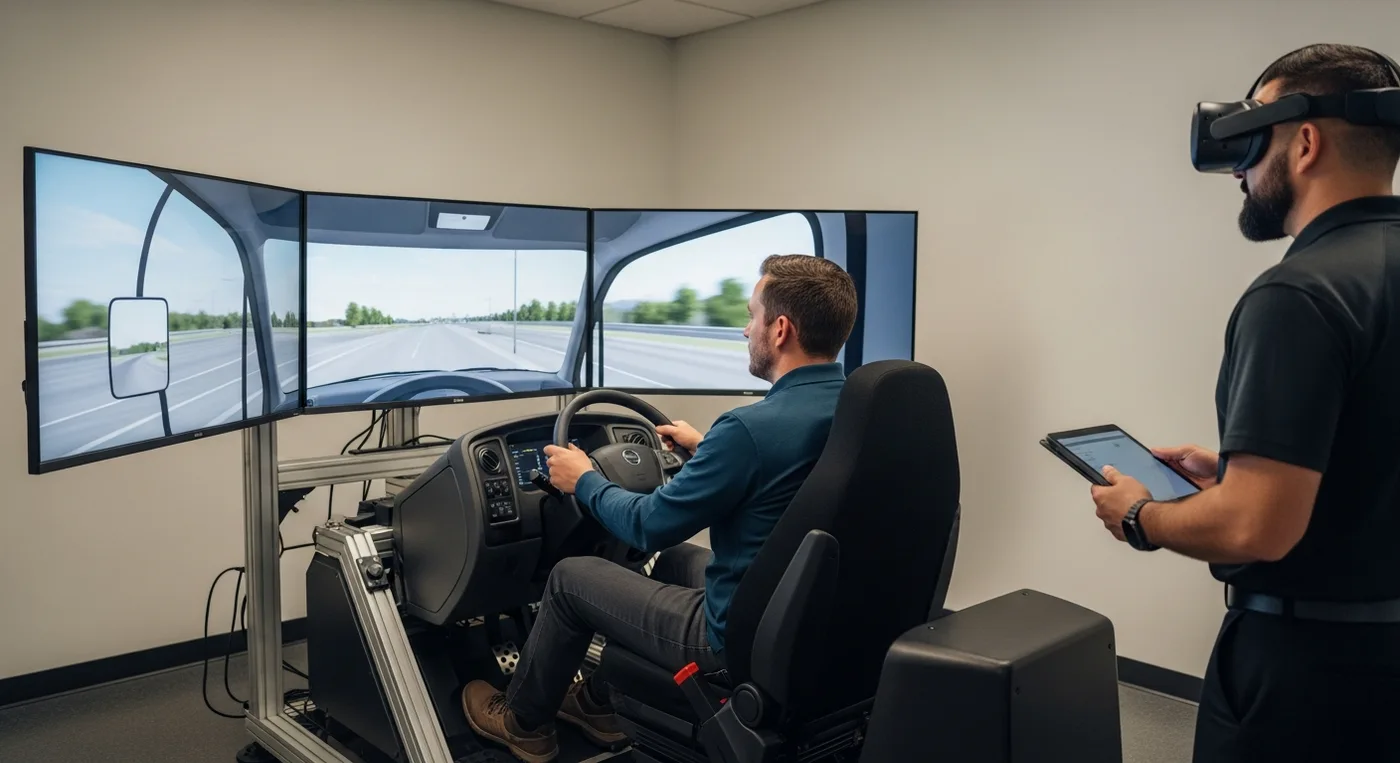
3D simulation makes HMI testing more realistic because it places the interface inside the environment where people will actually use it. A cockpit screen, passenger display, station kiosk, or AI avatar behaves differently when the user is under stress, surrounded by noise, approaching a decision point, or dealing with a route change.
With realistic environments, teams can test whether a prompt appears too late, whether a warning competes with another task, whether a passenger-facing avatar is visible from the right angle, and whether the system stays useful when the journey changes. Mimic Mobility's work in 3D simulation technologies supports this kind of evidence-based design.
Prototype interface behavior before expensive vehicle or hub deployment.
Rehearse high-risk conditions without exposing drivers, staff, or passengers to real danger.
Compare visual, voice, and avatar-led instructions in the same scenario.
Review decisions with design, safety, operations, accessibility, and brand teams using one shared environment.

Use cases across mobility teams
AI HMI testing is relevant across more than private vehicles. Public transport, ride services, autonomous shuttle pilots, airport transfers, fleet operations, logistics, and mobility hubs all rely on interfaces that must communicate clearly under time pressure.
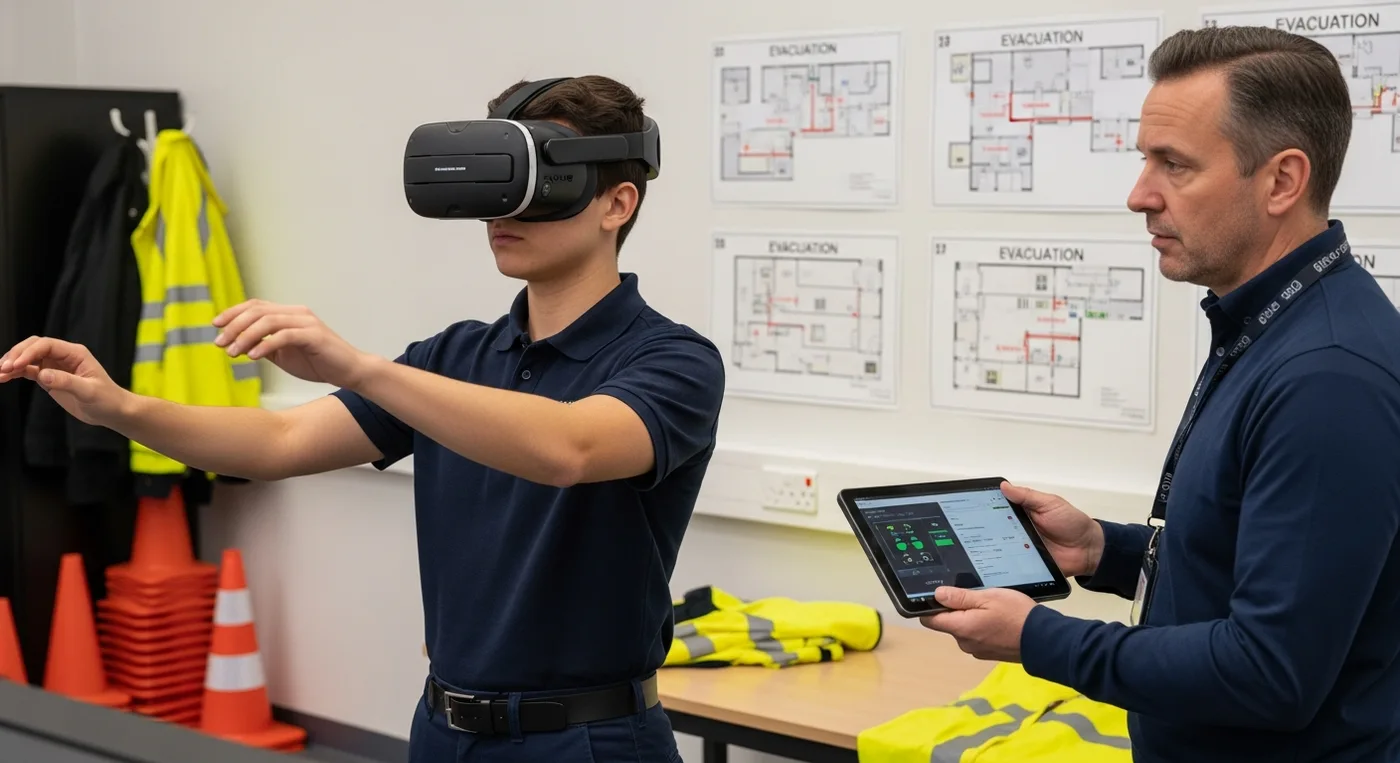
A transit operator may test how an onboard assistant explains a service diversion. An OEM may test how a driver receives a lane-change warning while an AI avatar handles comfort settings. A fleet team may test whether drivers understand incident prompts during training. These use cases connect with virtual driving simulation and VR emergency response training because the interface is part of the operating system, not a cosmetic layer.
OEM and vehicle teams: cockpit flows, alerts, settings, voice behavior, and AI assistant handoff.
Fleet operators: driver coaching, incident response, route changes, maintenance prompts, and fatigue-sensitive communication.
Public transport teams: onboard announcements, multilingual guidance, disruption explanations, and accessibility support.
Mobility hubs: vehicle-to-kiosk handoffs, passenger support, ticketing guidance, and real-time service communication.
Data and testing checklist
A strong HMI test starts with the right inputs. Teams need more than screen mockups. They need route logic, service rules, approved language, safety limits, vehicle data, passenger profiles, accessibility needs, and clear definitions of what the assistant is allowed to say or do.
This is similar to the data discipline required for traffic simulation. If the model uses weak assumptions, the output may look polished while hiding the wrong decision. Good HMI testing makes assumptions visible before the rollout.
Interface inventory: screens, voice flows, avatar moments, alerts, mobile handoffs, and staff escalation paths.
Operational data: traffic, weather, route status, fleet state, ticketing rules, maintenance signals, and disruption feeds.
Human factors inputs: driver workload, passenger language needs, accessibility requirements, dwell time, and stress scenarios.
Approved knowledge: safety policies, brand tone, support scripts, escalation rules, privacy notices, and fallback messages.

KPIs, privacy, and responsible rollout
HMI readiness should be measured through behavior, not opinions alone. A design may look impressive but still create too much driver glance time, too many passenger clarifications, or too many failed AI answers during disruption. KPIs help teams decide what is working and what needs revision.
Safety: glance time, task completion without unsafe distraction, alert comprehension, and recovery from missed prompts.
Passenger experience: question resolution, language success, accessibility completion, and reduced confusion.
Operations: fewer avoidable support requests, faster disruption communication, and lower staff load.
AI quality: answer accuracy, fallback rate, escalation quality, hallucination prevention, and approved-source coverage.
Privacy needs the same discipline. AI in-vehicle assistants can touch sensitive data such as location, route history, voice input, account status, accessibility preferences, vehicle behavior, and passenger support needs. Responsible AI cannot be added after launch as a policy page. It has to shape the data model, prompts, logging, escalation, and interface behavior from the beginning.
Teams should collect only what they need, explain when personalization is active, avoid exposing personal details on shared screens, and design clear handoff rules for emergency, payment, health, identity, or complaint scenarios. Human review is especially important where an assistant affects safety or public-service access.

FAQ
What is automotive HMI testing?
Automotive HMI testing evaluates whether drivers, passengers, and operators can use vehicle interfaces safely and clearly. It covers screens, voice, alerts, avatars, controls, and handoff flows.
Why does AI make HMI testing harder?
AI adds adaptive responses, personalization, and conversation. That means teams must test accuracy, timing, fallback behavior, escalation, and safety rules, not only static screen layouts.
Can 3D simulation replace road testing?
No. 3D simulation reduces risk and helps teams compare scenarios earlier, but final validation still needs real-world pilots, user feedback, and operational measurement.
What should an in-vehicle AI assistant be tested for?
It should be tested for task clarity, driver workload, answer accuracy, passenger comprehension, multilingual support, accessibility, data handling, and handoff to human support.
Conclusion
Automotive HMI testing is now a core part of AI mobility strategy. As vehicles, fleets, stations, and passenger services become more conversational, the interface must be tested for clarity, safety, trust, and operational fit. The strongest teams use simulation, data, human review, and staged rollout to make sure the assistant works before the public depends on it.
For teams building AI in-vehicle assistants, digital passenger support, fleet simulation, or next-generation mobility interfaces, Mimic Mobility can help design and test experiences that are realistic, responsible, and ready for the pressure of real transportation environments.