

GTFS Realtime Service Alerts tell passengers about disruptions that affect a route, stop, station or wider part of a transit network. A useful alert identifies who is affected, when the change applies and what passengers can do next. Individual trip delays and cancellations usually belong in Trip Updates. The alert explains the passenger impact and any alternative when that context is needed.
An accurate feed is only part of the job. Someone has to own the message, check what riders see and withdraw it when service changes again. This guide follows an example from an operations report to a passenger-facing update. It builds on our guides to real-time mobility digital twins and smart bus stops.
Choose the right GTFS Realtime message

GTFS Schedule describes planned service. GTFS Realtime lets operators communicate changes or observations alongside that schedule. The three common feed entities serve different purposes. Trip Updates carry predictions and trip-level changes. Vehicle Positions represent where vehicles are reported to be. Service Alerts add contextual information about disruptions, such as a detour, station closure or entrance outage. The GTFS Service Alerts documentation explains the distinction and how to scope an alert.
Imagine a bus breaks down and one departure is cancelled. If the producer only writes a general warning, a journey planner may still show the cancelled trip as an available option. Mark the affected trip through the relevant Trip Update and use an alert if passengers need an explanation or an alternative. If a bridge closure affects several routes, an alert can explain the shared impact while Trip Updates represent the individual changes that the operator can report.
Decide which team owns each field. Control-room staff may confirm the operational facts while a communications team writes the passenger text. If both teams can publish independent updates, they need a way to resolve disagreements before information reaches the public. A small checklist with the event ID, affected services, owner and next review time can help when several disruptions overlap.
Scope the alert and its time window
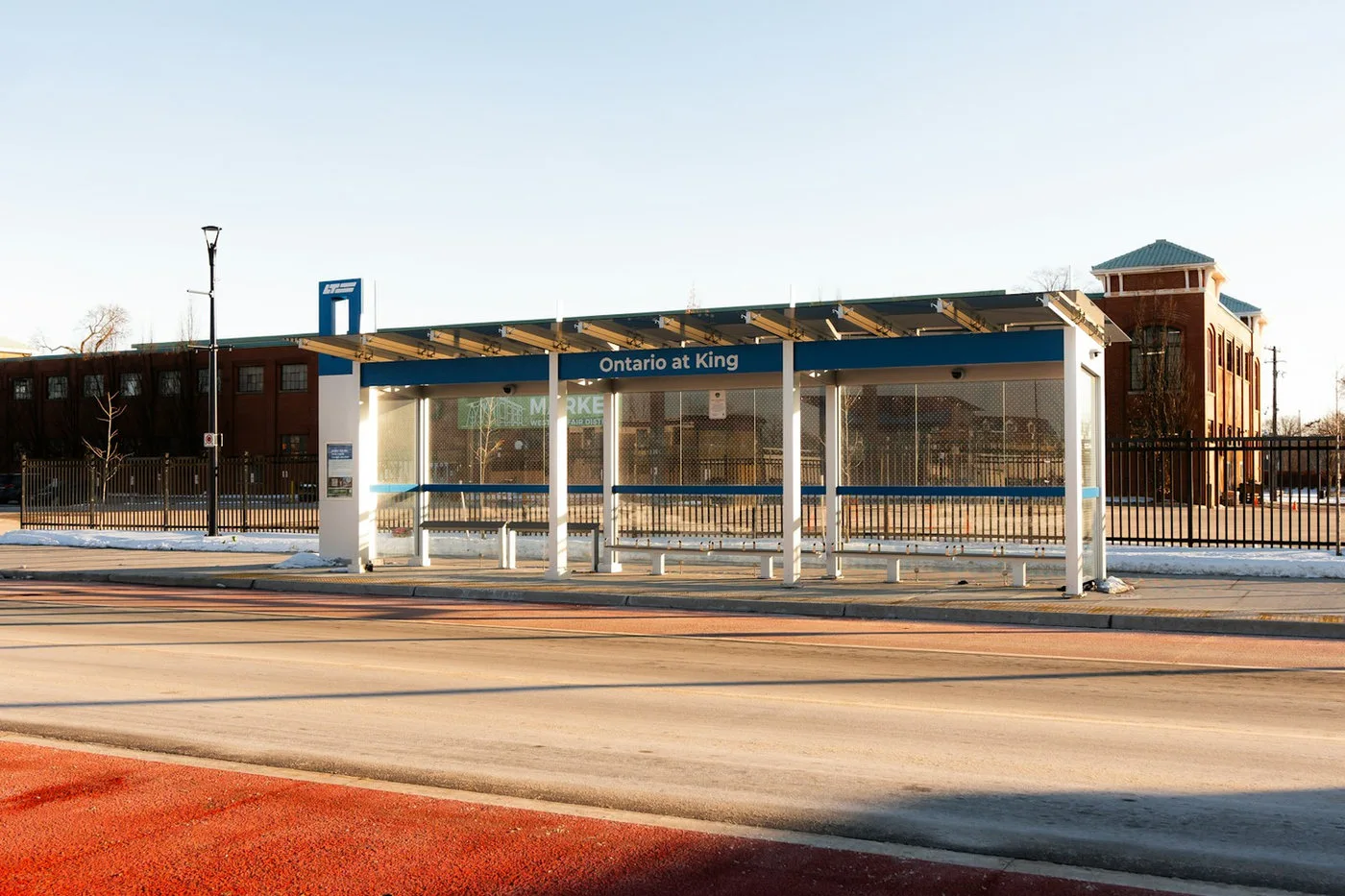
Start from the identifiers used by the feed consumer. An entity selector can target a route, stop, trip or other supported entity. Selectors that combine fields should describe the intended intersection. A route and stop in one selector target that route at that stop, rather than automatically notifying every rider at the stop. If a stop closure affects all services, select the stop at the appropriate scope. If only the northbound service is affected, test that the southbound result stays clear.
Specify the active period for the passenger impact. A construction closure may be known days ahead, but its affected period could be a short evening window. Keep the timing explicit in the payload and clear in the text. Where an incident has no confirmed end, tell passengers when to check again rather than guessing a restoration time. Decide when to update or remove the alert so an old warning cannot survive a change in service.
Test both affected and unaffected journeys. If the operator publishes a new schedule, check that its identifiers still match the alert feed. Test an edge case near midnight where the service day and calendar date may differ. In a station with separate platforms or entrances, compare the stop selection with the passenger’s actual path. Operators planning those movements can use the passenger flow simulation guide to think through where an alternative will send people.
Write what a passenger needs to act

A useful alert header says what has changed and names the affected service. The description supplies the practical detail that will fit less easily in a short notice. A passenger reading it while walking needs the action before the cause. Use the station names, landmarks and direction terms people will see on signs. If a replacement stop is not yet confirmed, say so and give an approved place to get help.
Consider this fictional example: “Route 18 toward Central does not serve Market Square tonight.” The description might read, “From 20:00 to 23:00, board Route 18 toward Central at Library Street. The temporary stop is outside the library’s main entrance. If you need step-free access, use the signed route from the square or ask staff before boarding.” Only include the access detail when it has been checked. A vague claim that a route is accessible is unhelpful if the nearest lift is closed.
If the feed supports translated text, have someone check station names and route directions in each language before release. Avoid abbreviations that make sense only to a dispatcher. Keep the opening sentence short enough to survive a small screen or a spoken announcement. The conversational AI accessibility guide explains why spoken advice needs a readable alternative and a route to staff.
Test the feed and the passenger channels

A valid response from the feed endpoint shows that it can be fetched. It does not show that the right rider can see the right alert. Create a test itinerary using the affected stop and direction, then check an unaffected route nearby. Compare the app, station signage and kiosk if they consume the same information. Confirm the header is understandable where the full description is shortened and that any link points to the intended update.
Treat freshness as something you can observe. The GTFS Realtime best practices recommend that Service Alert data should not be older than ten minutes. That is a recommendation for feed data, not a promise that all passenger interfaces refresh at the same moment. Check timestamps, publication cadence and downstream caching. Test an unavailable or stale feed and agree on what channels display when they cannot confirm current service.
A kiosk or AI passenger assistant should read from an approved source and distinguish confirmed information from an estimate. Avoid allowing generated text to invent an alternate route, a refund or a precise restoration time. If the data is missing, the interface can show where to find the latest official notice or help. The airport kiosk disruption guide covers the same principle for self-service terminals.
Close the incident cleanly

When the incident changes, update the alert and the relevant operational data together. A detour that ends early should stop appearing as active once regular service has actually resumed. Where a replacement is in progress, distinguish between a partial recovery and a return to the published schedule. If you remove a warning before the underlying service data changes, a journey planner may offer an itinerary that is still unavailable.
Keep a lightweight incident record. Log when the team learned of the issue, when the first notice went out, what changed and when each channel cleared it. Review cases where a rider got the right message too late or saw two contradictory versions. A useful improvement may be a shorter approval path or a clearer way to confirm a temporary stop. More alerts will not help if nobody can tell which one applies.
For a pilot, pick a single route and one disruption type. Agree on sample messages, fallback states, affected and unaffected journeys, and an incident owner. Test the passenger instructions with staff before expanding. If you are prototyping a kiosk, journey interface or simulated station experience around this data, share the brief with Mimic Mobility. The data producer and service operator should confirm the live feed and passenger actions.
Use a single incident record for a closure that extends beyond the initial estimate. Suppose Market Square remains unavailable at 23:00. Update the affected time window only after operations confirms the extension, and keep the temporary stop instructions consistent with the new period. If service resumes on one route but remains diverted on another, revise the selectors and text to reflect the difference. A note that says “services are recovering” is hard to act on if the rider cannot tell which route has returned.
Write your acceptance cases as short passenger questions. Can I board at Market Square at 19:55? Where do I board at 20:15? Is the opposite direction affected? What if I open the station display after regular service returns? Test with the same place names and stop identifiers used by the actual consumer. If two channels disagree, record the timestamp and source on each one so the operator can distinguish a stale copy from an incorrectly scoped alert.
Frequently asked questions
What is the difference between a GTFS Realtime Service Alert and a Trip Update?
A Service Alert explains a disruption and its passenger impact. A Trip Update communicates changes or predictions for a trip, such as a changed arrival time or cancellation. Operators may use both when travellers need timing and an explanation.
Can one alert cover multiple stops?
Yes. Use selectors that identify the intended stops or services and test each affected journey. Selecting a route and a stop together can narrow the match, so also test a stop or direction that should not be affected.
How long should a service alert stay active?
Keep it active for the period when it applies. Use confirmed timing where possible and assign a review owner when the end is uncertain. Update or withdraw the notice as conditions change.
Should the alert repeat the full timetable?
Generally, provide the change and the action a passenger needs. Use the appropriate schedule or trip data for the underlying service and link to the operator’s details if additional information is necessary.
How do we report a station lift outage?
Target the affected location using the identifiers and capabilities available to your feed. Describe the actual access impact and point to a confirmed alternative. Check that the alternative works in the direction and period covered.
Is a fresh timestamp enough to prove the feed is correct?
A current timestamp shows freshness, but the route, stop and timing may still be wrong. Test the information against a confirmed operational example and inspect how real passenger channels render it.
Can an AI assistant generate service updates on its own?
Use an authorised source for operational facts. An assistant can present those facts within its approved scope. It should route unconfirmed requests to a maintained source or staff when the feed cannot answer reliably.
What should we test before launch?
Test one affected and one unaffected journey, a future event, an expired event, translated text where available, and a missing-feed fallback. Make sure a named operator can publish, revise and clear an incident.
Conclusion
A dependable alert ties a specific disruption to the people it affects, the time it applies and an action the operator can confirm. Test the message where people will read or hear it, and make clearing the notice part of the incident workflow. The same discipline applies whether the passenger uses a journey planner, an information kiosk or an assistant.