
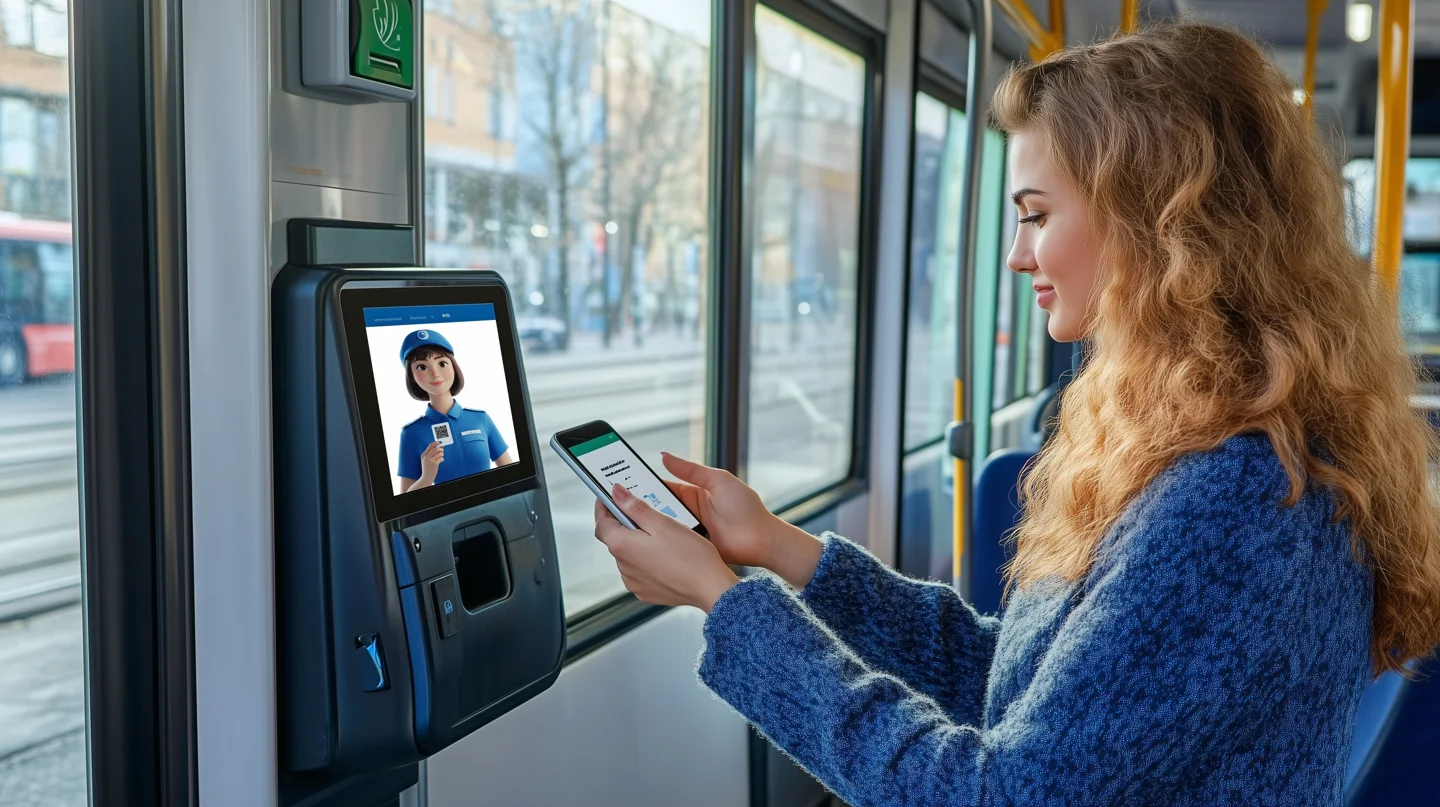
AI in ticketing can help interpret passenger questions, explain fare options or identify transactions needing review. It is distinct from the payment and fare-validation systems that authorise travel. Any assistant needs controlled access, clear transaction confirmation and a fallback when a booking or payment cannot be completed.
What does AI add to ticketing?
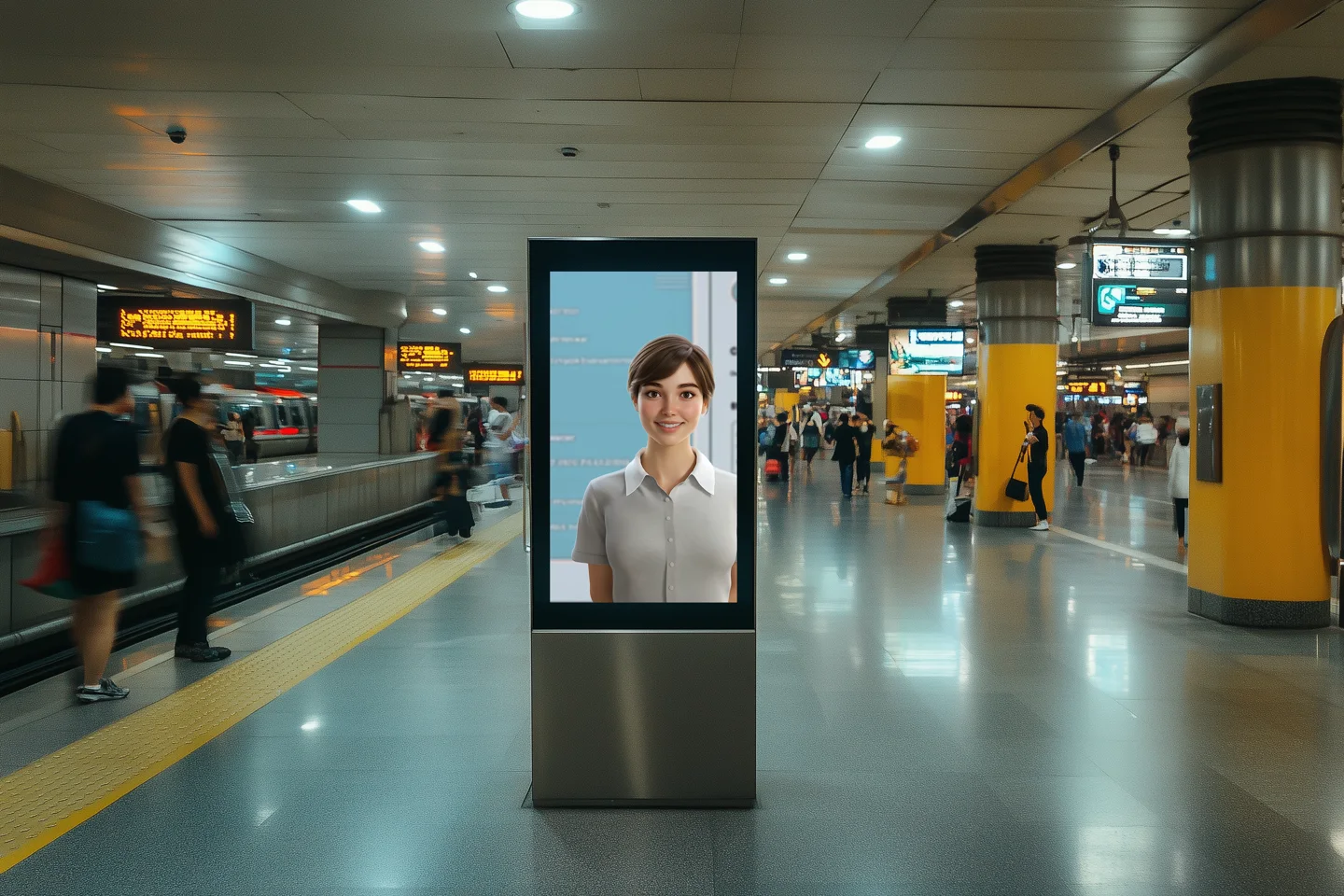
AI can help interpret a passenger’s question, explain available fare information or route a support request. Those functions sit alongside the systems that calculate fares, authorise payments and validate tickets. Keep the responsibilities separate when planning a project.
A passenger-facing assistant should describe the options it can verify. It should not invent a fare, imply that a reservation has been made or confirm a payment before receiving a valid system response.
How is conversational assistance different from contactless payment?
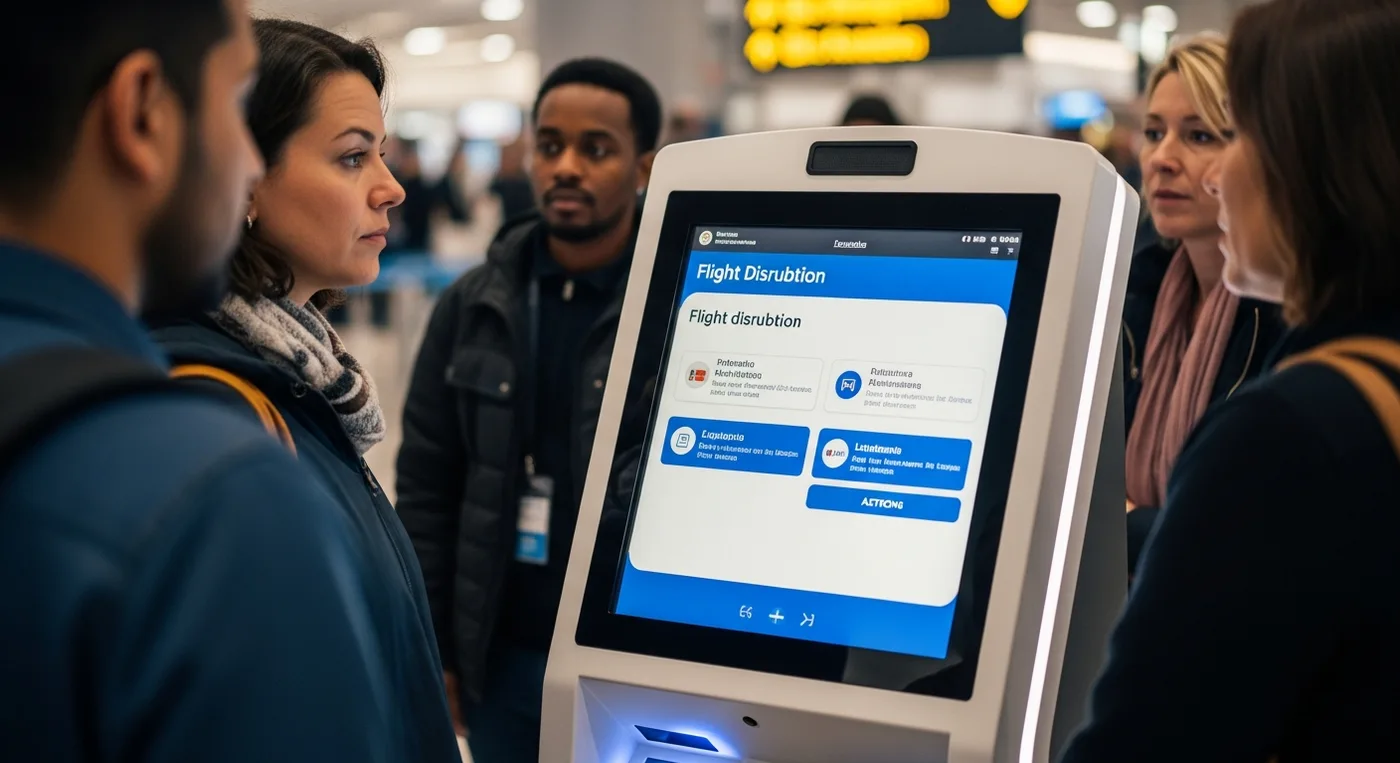
Contactless describes an interaction such as presenting a payment card or supported device to a reader. That transaction does not require a conversational avatar. An assistant may explain the process or help with an error, subject to the information it can access.
Choose the interface around the task. A clear button and a short explanation may work better than a conversation for a routine purchase. Use conversation where it helps the passenger express a question the normal flow cannot easily handle.
What integrations and permissions are needed?

Identify the fare source, booking system, payment provider and support owner. For each proposed action, define which system can authorise it, which fields the assistant can read and how the passenger confirms the result.
Read access to a timetable is not permission to change a booking. Use the minimum access the task needs and have the relevant technical and privacy teams review the transaction flow before testing with passenger data.
How should failures be handled?
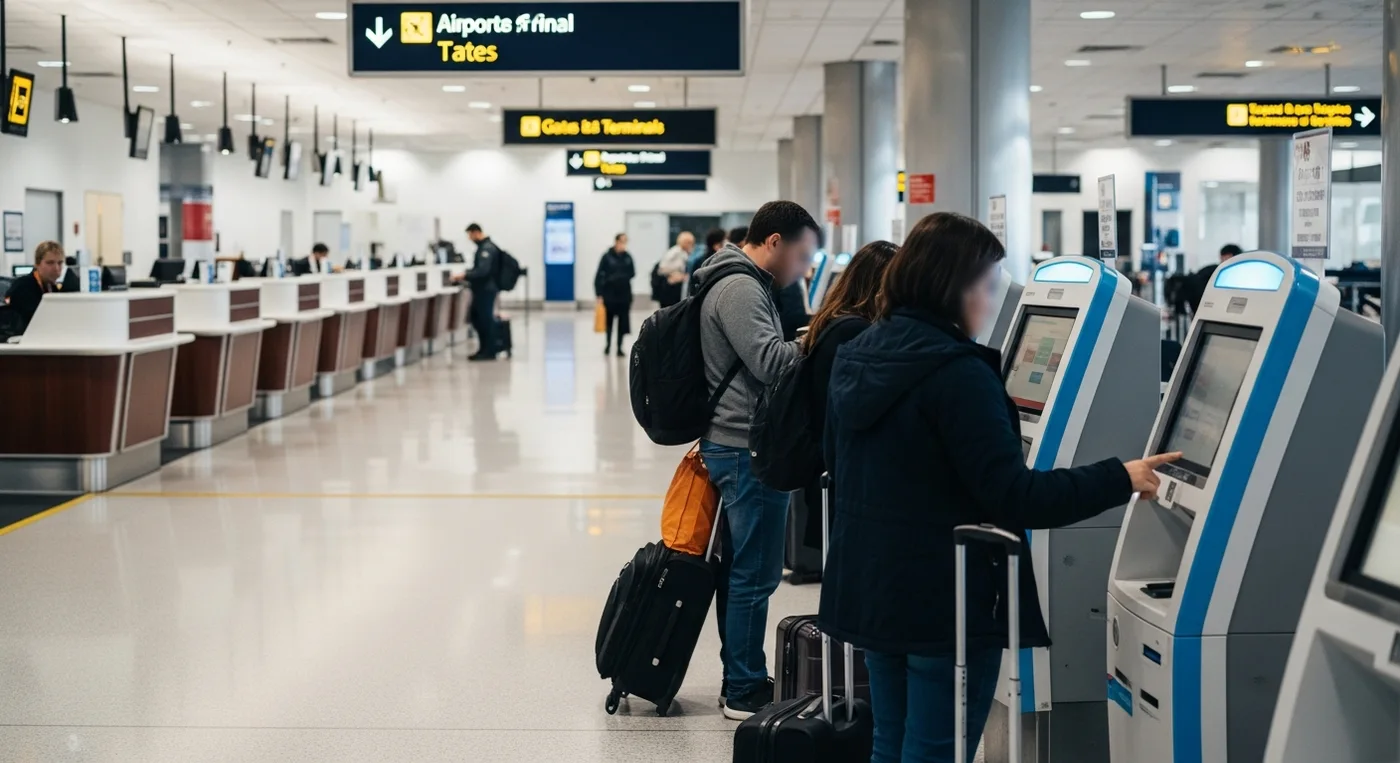
Test a stale fare, an interrupted payment, an unavailable booking system and a passenger who changes their mind. The interface should show the confirmed transaction state and explain the next step without asking the passenger to guess whether a charge occurred.
Provide a route to staff or the responsible operator. Measure incomplete purchases, repeated attempts and unresolved support requests. Successful conversations alone do not show that ticketing has become faster or more secure.
What belongs in a ticketing-assistant brief?
Specify the audience, fare products, languages, platform and intended support tasks. Include confirmation screens, accessible alternatives and escalation rules in the design review.
Mimic Mobility can discuss the character and interaction layer through its AI avatar service. Booking, fare validation and payment capabilities must be agreed with the relevant system owners.
Frequently asked questions
Does adding an avatar make answers reliable?
No. Reliability depends on approved content, suitable data access, evaluation and a process for correcting errors.
Can an assistant complete bookings or payments?
Only if the project includes authorised transaction integrations. Displaying information does not grant permission to change a booking or take payment.
Is voice enough for an accessible interface?
No. Provide suitable alternatives such as readable text and usable controls, then test the intended journey with people who have different access needs.
When should the assistant hand over to staff?
Define handover for unresolved requests, missing information and actions outside the assistant’s permissions. Explain the next step to the passenger.
Technical references
Read next
Planning a digital character or interactive environment? Discuss the audience, platform and project requirements with Mimic Mobility.