

Conversational AI can offer another way to ask for travel information, but speech alone is not an accessible interface for everyone. Provide readable text, usable controls and a route to staff. Evaluate the actual journey with people who have different access needs rather than assuming a digital avatar resolves accessibility barriers.
What can conversational AI do for travel accessibility?
A conversational interface can let a passenger ask for information in their own words. It may help explain a route, locate assistance or clarify an approved service message. Whether it helps depends on the passenger, the quality of the answer and the available alternatives.
Do not assume speech is easier for everyone. Some passengers need text, some need more time and some need direct staff assistance. The service should support more than one way to complete a task.
Which interface alternatives should be available?

Provide readable answers, labelled controls and a clear way to repeat or correct a request. Ensure the passenger can use the relevant input method without relying on a specific gesture, precise movement or spoken phrase.
For web-based interfaces, WCAG provides a useful framework for digital accessibility. A public kiosk also has physical considerations such as reach, screen position, sound and the surrounding space. Digital checks alone do not assess the whole installation.
How do data quality and staff handover affect access?
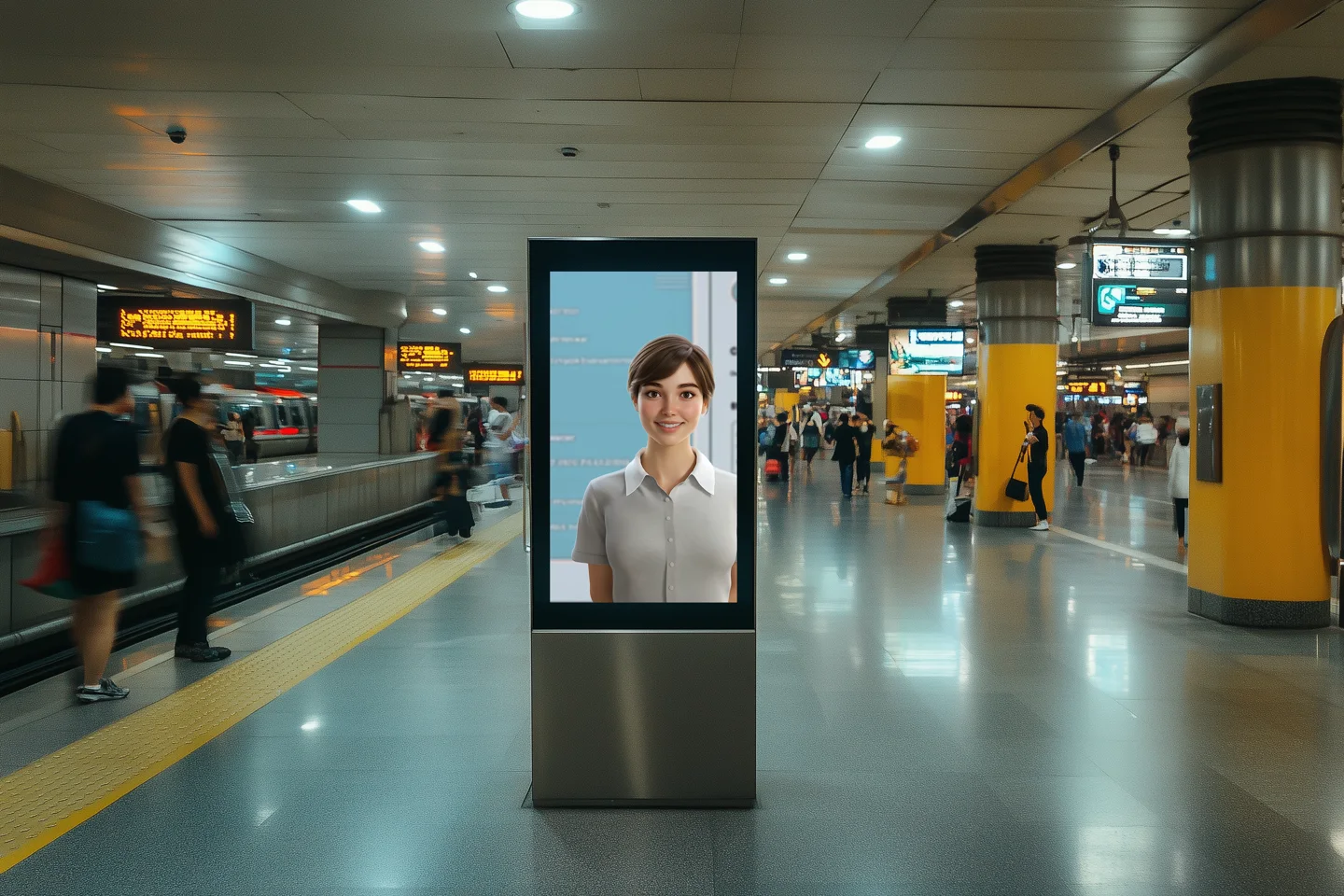
An accessible interface is still unhelpful if it gives the wrong platform or directs a passenger towards an unavailable route. Use approved information sources, show when live data is unavailable and avoid unsupported assurances about access at a destination.
Make staff assistance easy to find and explain what happens after a handover request. A passenger should not have to repeat a long conversation merely because the automated interface has reached its limits.
How should a team evaluate the journey?

Test actual tasks with people who have different access needs. Observe whether they can find the service, understand the answer, recover from an error and obtain human help. Include noise, glare, crowding and connection loss where relevant.
Record the barriers found and who owns each fix. A demonstration with one fluent speaker in a quiet room is not evidence that the service is accessible to all passengers.
How can a mobility assistant project start?
Select one information task and document the audience, setting, language requirements and escalation process. Review the alternatives with accessibility specialists and passenger representatives before expanding the scope.
Explore Mimic Mobility’s avatar production for the character-led interface. The project still needs agreed data access, accessibility testing and operational support from the responsible transport team.
Frequently asked questions
Does adding an avatar make answers reliable?
No. Reliability depends on approved content, suitable data access, evaluation and a process for correcting errors.
Can an assistant complete bookings or payments?
Only if the project includes authorised transaction integrations. Displaying information does not grant permission to change a booking or take payment.
Is voice enough for an accessible interface?
No. Provide suitable alternatives such as readable text and usable controls, then test the intended journey with people who have different access needs.
When should the assistant hand over to staff?
Define handover for unresolved requests, missing information and actions outside the assistant’s permissions. Explain the next step to the passenger.
Technical references
Read next
Planning a digital character or interactive environment? Discuss the audience, platform and project requirements with Mimic Mobility.