

What should a passenger know in the few seconds before boarding?
A smart bus stop succeeds when it makes that answer obvious. Real time arrivals, clear alerts, accessible directions, and dependable human support can turn an uncertain wait into a manageable journey. The goal is a useful service at the curb, not a collection of screens.
This guide walks transit teams through information design, physical accessibility, disruption handling, technology choices, and a practical pilot. It draws on live transit deployments and relates those lessons to Mimic Mobility's work in AI assistance and simulation.
Table of Contents
What makes a bus stop smart?
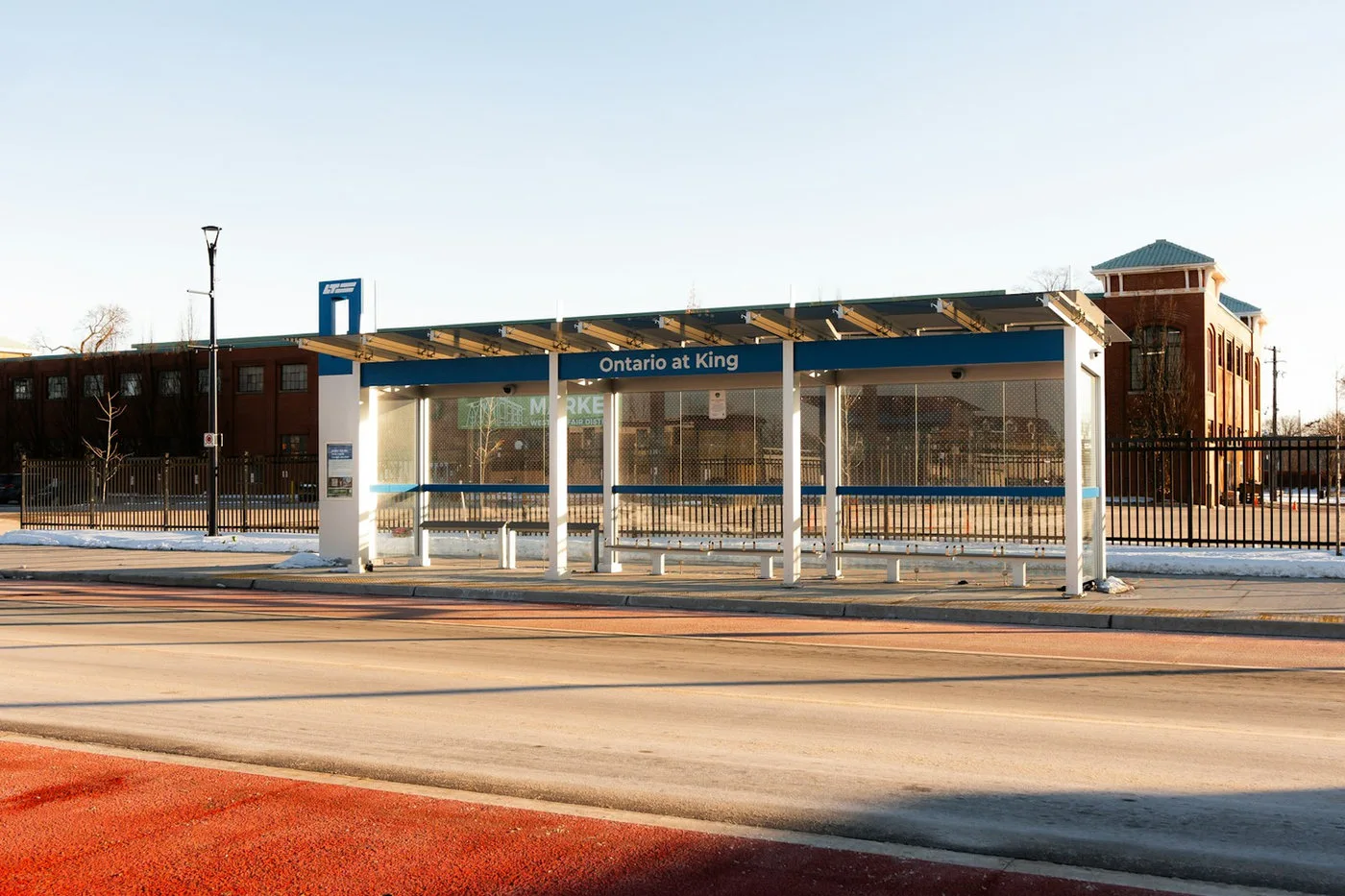
A smart bus stop is a physical waiting place connected to useful, current service information. Its basic job is still to help somebody identify the correct route, wait safely, and board. The digital layer should make those tasks easier through reliable arrival estimates, service alerts, accessible information, and a clear way to get help.
Think of the stop as one point in a wider passenger information system. Vehicle location feeds, schedules, disruption notices, signage, mobile channels, and staff procedures must agree. A bright display cannot rescue a confusing route map or an inaccurate prediction. Start with the passenger decisions that occur at the curb, then choose the technology that supports them.
That wider view fits Mimic Mobility's work on AI avatars for public transportation. A conversational interface can explain a route change or connection, while the stop's fixed sign remains the shared source of the most important facts. The two should present the same approved service state.
Smart also means maintainable. Power, connectivity, weather protection, cleaning, vandal resistance, and ownership of content updates matter as much as an interface demo. A stop that reliably shows a few essential facts can outperform a feature rich installation that frequently goes dark.
Design the passenger information hierarchy

The first screen should answer four questions at a glance: Where am I? Which routes serve this stop? When is the next usable vehicle expected? Has anything changed? Put route number, destination, departure estimate, and disruption status ahead of secondary content. If space is tight, remove decorative material before shrinking critical text.
Arrival information needs a visible distinction between a scheduled time and a live estimate. Show a timestamp or simple freshness cue, and define a fallback when the feed stops updating. A plausible looking countdown based on stale data can be worse than a plainly labeled timetable. Tell passengers when a prediction is unavailable.
Use a consistent vocabulary across the shelter, trip planner, onboard display, and staff scripts. A rider should not have to decide whether “diversion,” “detour,” and “route change” describe three different events. For transfers, name the alternate stop and give a short walking instruction, not only an alert code.
NJ TRANSIT's digital bus stop sign pilot is a useful current example of agencies testing real time arrival information at the curb. The lesson for any pilot is to define information quality and rider comprehension before choosing a display format. Teams can also map how AI navigation assistants integrate traffic, weather, and vehicle data when an answer depends on changing conditions.
Make accessibility a stop level requirement
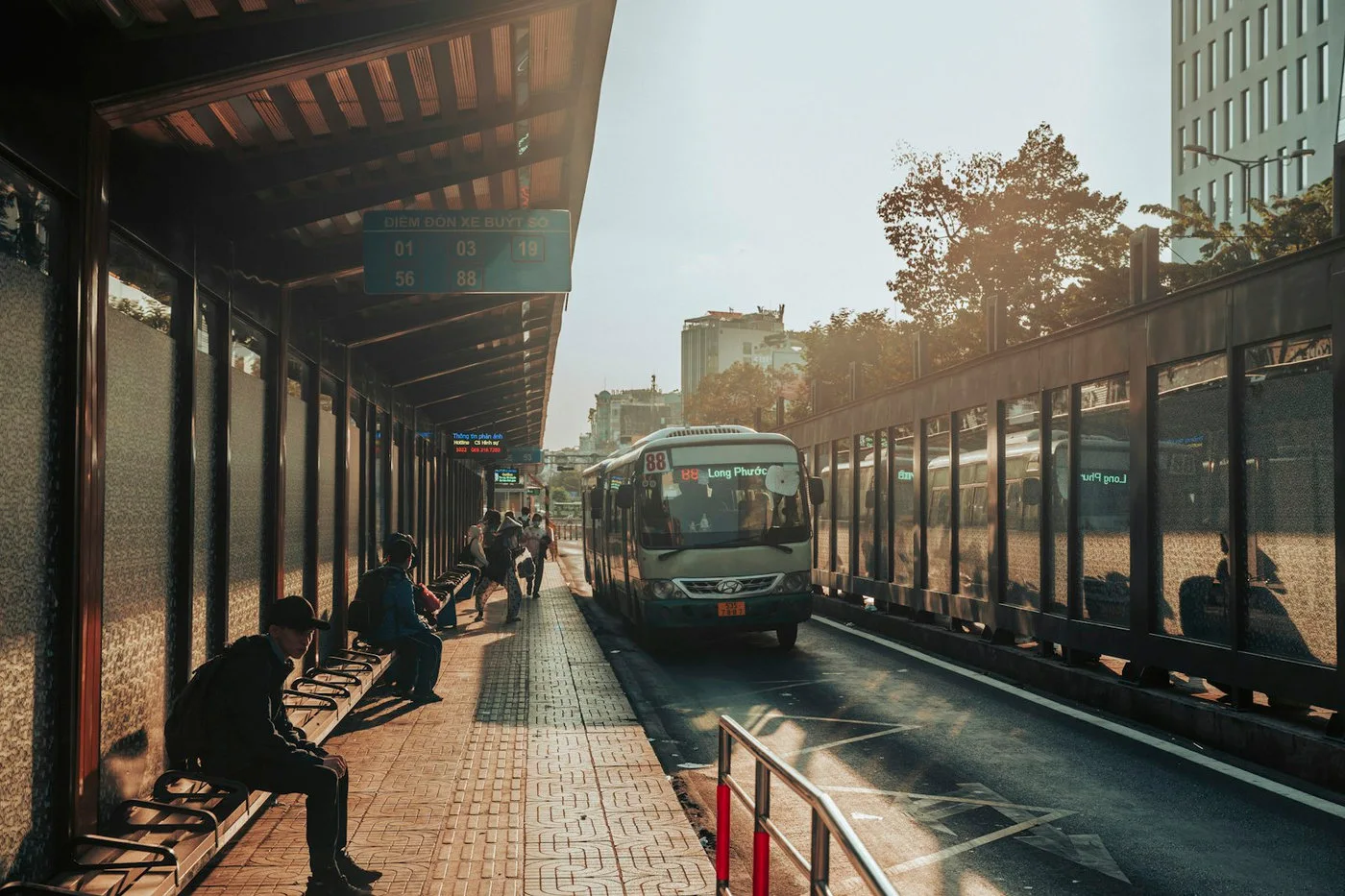
Accessibility starts before anyone touches a screen. Review the path to the stop, clear space for waiting and boarding, seating, lighting, sightlines, and the location of signs. A digital feature cannot compensate for an unusable curb or a blocked boarding area. Local transport and public right of way requirements still govern the physical design.
Offer information in more than one usable form. High contrast visual text, clear spoken output where appropriate, tactile or physical wayfinding, and a staff support path serve different needs. Do not force every rider to own a smartphone, scan a code, or create an account to learn the next departure.
Language coverage matters in a busy public system. Put the core message first in plain language, then provide a quick way to switch languages without losing context. If a voice assistant is used, test it against street noise, accents, privacy concerns, and the need to recover when speech recognition fails.
Accessibility testing should involve people with a range of mobility, vision, hearing, and cognitive needs at the actual stop. The UK's guidance on accessible bus information and transit agency stop design manuals are helpful references, but a local field test reveals whether a passenger can find, understand, and act on the information. Mimic Mobility's article on conversational AI and accessible travel offers a related service perspective.
Handle delays and disruptions without confusion
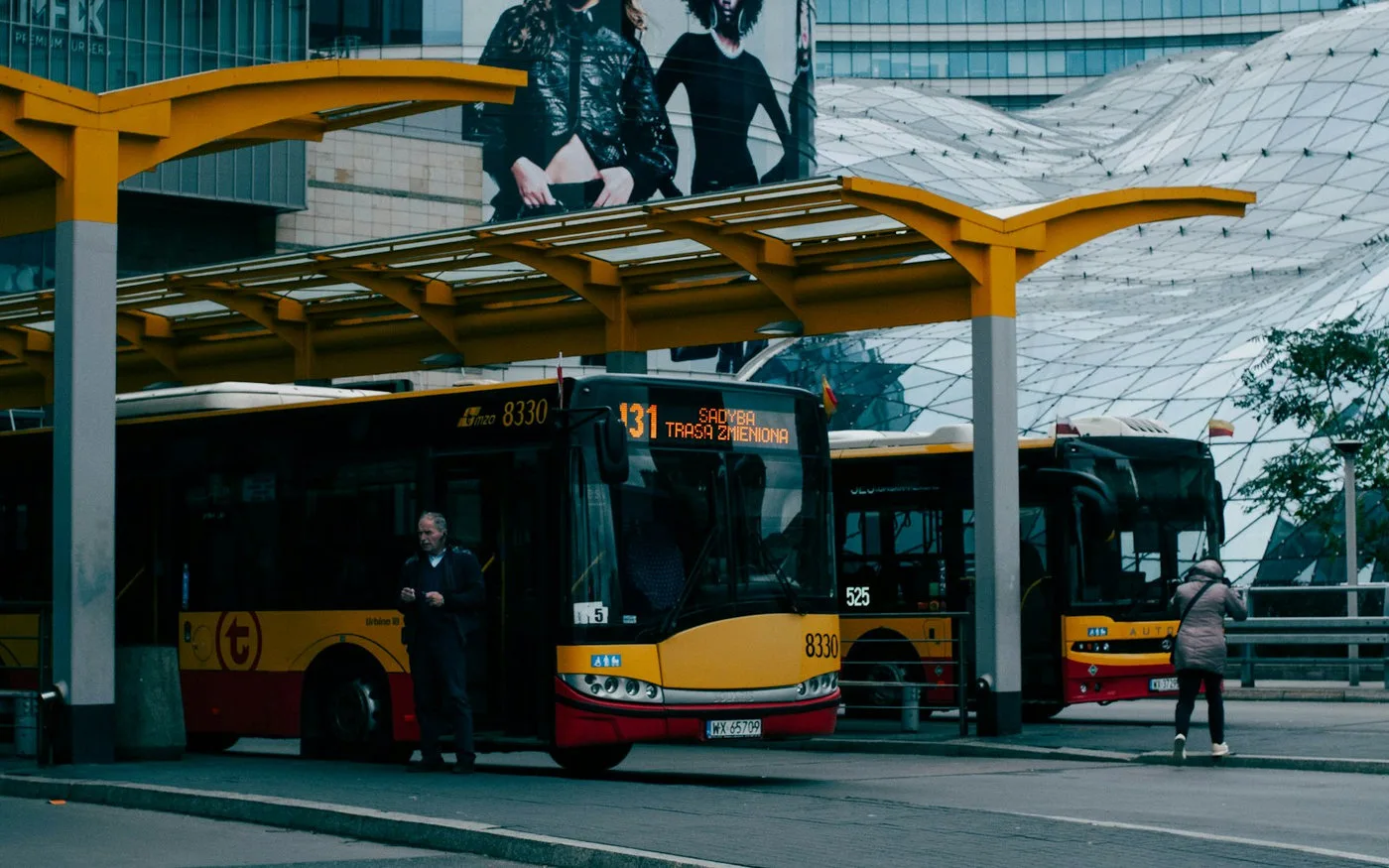
Normal arrival estimates are the easy case. The harder case is an unexpected diversion, cancelled run, closed stop, or broken lift that changes a rider's next action. Write disruption messages for that moment: say what happened, what route or stop is affected, where to go instead, and when the update was issued.
A good system separates confirmed facts from uncertain forecasts. If the operations team has not approved an alternative boarding point, do not let a generative assistant invent one. Use an approved message, an explicit “information pending” state, and a human escalation channel. Safety and accessibility changes should receive priority over promotional content.
Keep the same incident identifier and message meaning across displays, apps, announcements, and support agents. When the situation changes, retire outdated directions everywhere. Staff need a simple override for events that are too local or too fast moving for automated feeds.
Before launch, rehearse scenarios such as a stopped bus, a missed connection, and a station closure. Test what happens when power or network connectivity is lost. Mimic Mobility's work on real time mobility digital twins and service recovery shows how operational context and passenger communication can be evaluated together.
Choose technology around operations, not novelty
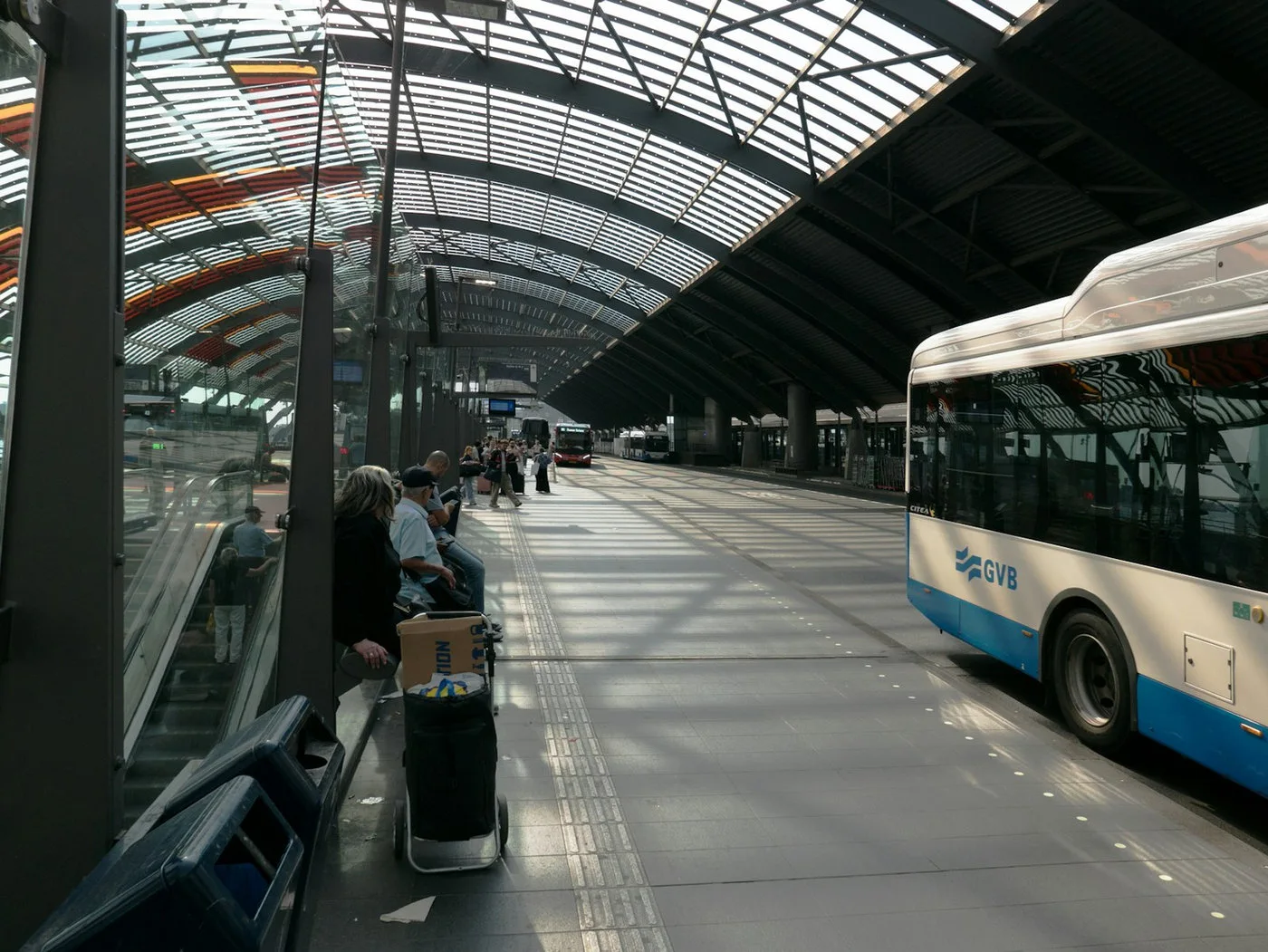
Start with the information architecture and data owners. A common stack includes schedule data, live vehicle positions, an alert publishing workflow, a display or audio channel, monitoring, and a way for staff to correct errors. An interactive kiosk or AI avatar is an optional layer that should solve a defined support problem.
Specify what must happen when a feed is late, a display is offline, or an answer cannot be verified. Cache a clearly labeled timetable where appropriate, retain a physical stop identifier, and publish a support contact. Reliability should be visible to passengers rather than hidden behind a confident interface.
If an AI assistant answers individual questions, limit it to approved route, fare, accessibility, and disruption sources. Log unresolved questions without collecting more personal data than necessary. Payment or account issues need a secure handoff; emergencies need the operator's established response process.
Mimic Mobility's AI avatar services and technology capabilities can help teams explore conversational support and realistic passenger testing. Its article on AI kiosks for mobility centers discusses related interface choices. At a small roadside stop, a simple screen plus accessible audio may be enough; at a major interchange, interactive help could justify the extra complexity.
Pilot one corridor and measure what riders can do
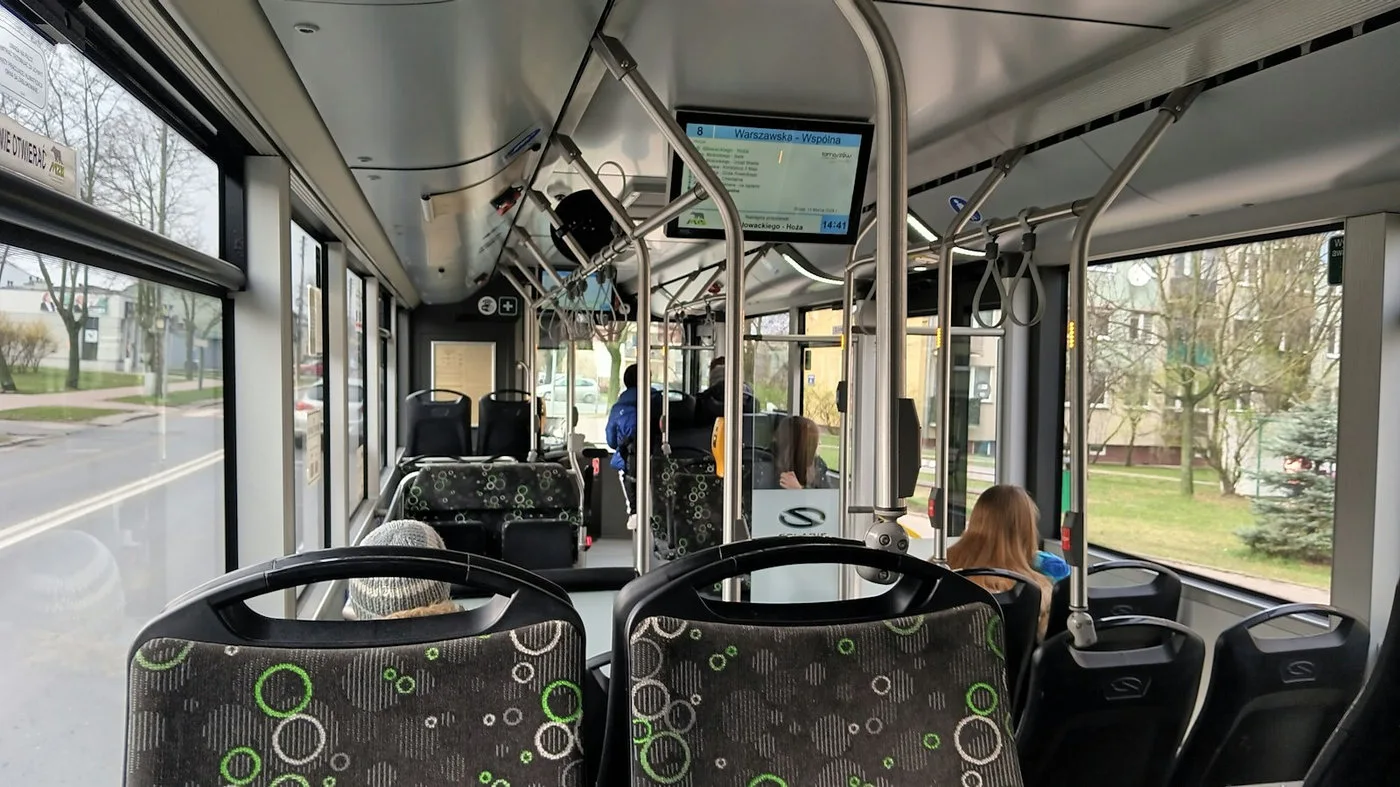
Choose a pilot corridor with varied stop conditions rather than only a flagship terminal. Include a high volume interchange, a typical neighborhood stop, and a location with weaker connectivity or difficult weather exposure. Record a baseline for arrival information accuracy, support requests, missed connections, and maintenance calls.
Give the pilot a few task based tests. Can a first time rider identify the correct platform? Can a passenger understand a diversion? Can somebody using assistive technology find the next accessible service? Observe actual use and ask short questions at the stop; screen analytics alone cannot show whether the message was understood.
Measure prediction error, display uptime, alert publishing delay, recovery time, and the share of inquiries resolved without staff intervention. Segment results by stop type, time of day, and disruption state. Averages can conceal poor performance when help is most needed.
Use simulation to test unusual but consequential situations before broad rollout. Mimic Mobility's passenger flow simulation work is relevant for interchanges where queues, signs, kiosks, and walking routes interact. Expand only after operations teams can maintain content and riders can complete the core tasks more easily than before.
Frequently asked questions
What is a smart bus stop?
It is a bus stop that combines the physical waiting and boarding space with current passenger information, such as live arrivals, alerts, accessible guidance, or interactive help. Its value depends on accurate data and usable design.
Do smart bus stops need AI?
No. Many useful stops rely on clear signs, reliable arrival feeds, and accessible audio. AI is worth considering when riders need conversational explanations or support that a fixed display cannot provide.
How accurate are real time bus arrival displays?
Accuracy depends on vehicle location, prediction methods, traffic, service changes, and feed freshness. Operators should measure prediction error and clearly label scheduled times or unavailable live data.
Can a smart stop work without a smartphone?
Yes. Critical route, departure, and disruption information should be available at the stop itself through accessible public channels. A phone can provide extra detail, but should not be the sole route to essential information.
How can a smart bus stop support disabled passengers?
Combine an accessible physical approach and boarding area with readable visual information, appropriate audio, simple language, and a human support path. Test the whole journey with people who have varied access needs.
What should a display show during a diversion?
It should state the affected route, the stop or service change, the alternative boarding location or next step, and when the information was updated. If an alternative is unconfirmed, say so plainly.
How should agencies start a smart stop pilot?
Begin with a small set of representative stops, define the passenger tasks, measure baseline performance, test outages and disruptions, and involve riders and operations staff before scaling.
What metrics matter most?
Track arrival prediction error, display uptime, alert latency, rider task success, accessibility findings, support demand, and maintenance response time. Review results during normal service and disruptions.
Conclusion
The strongest smart bus stop is a dependable public service: accurate information, an accessible place to wait, clear instructions when plans change, and a route to human help. Teams should design those fundamentals first, then add interactive features only where they improve a passenger's next decision.
For teams planning passenger information, conversational support, or realistic stop and interchange testing, explore Mimic Mobility's AI avatar services and 3D simulation capabilities, then contact the team to discuss a focused pilot.
You can also review Mimic Mobility's mobility technology work and reach the contact form on the homepage to start a conversation about your network.