
Can an automotive team understand how a driver will react before a new vehicle, interface, or automated function reaches the road?
Driver-in-the-loop simulation places a real person inside a controlled virtual driving experience, allowing engineers to study the interaction between human behavior, vehicle dynamics, automation, and interface design. It brings the driver into validation while scenarios are still repeatable, configurable, and safe.
This guide explains how driver-in-the-loop simulation works, which measurements matter, where it belongs in an x-in-the-loop workflow, and how to plan a credible study. It is written for OEMs, suppliers, fleet and transit teams, HMI designers, safety specialists, researchers, and mobility leaders. For the wider service context, see Mimic Mobility’s 3D simulation capabilities.
Table of Contents
What Driver-in-the-Loop Simulation Is
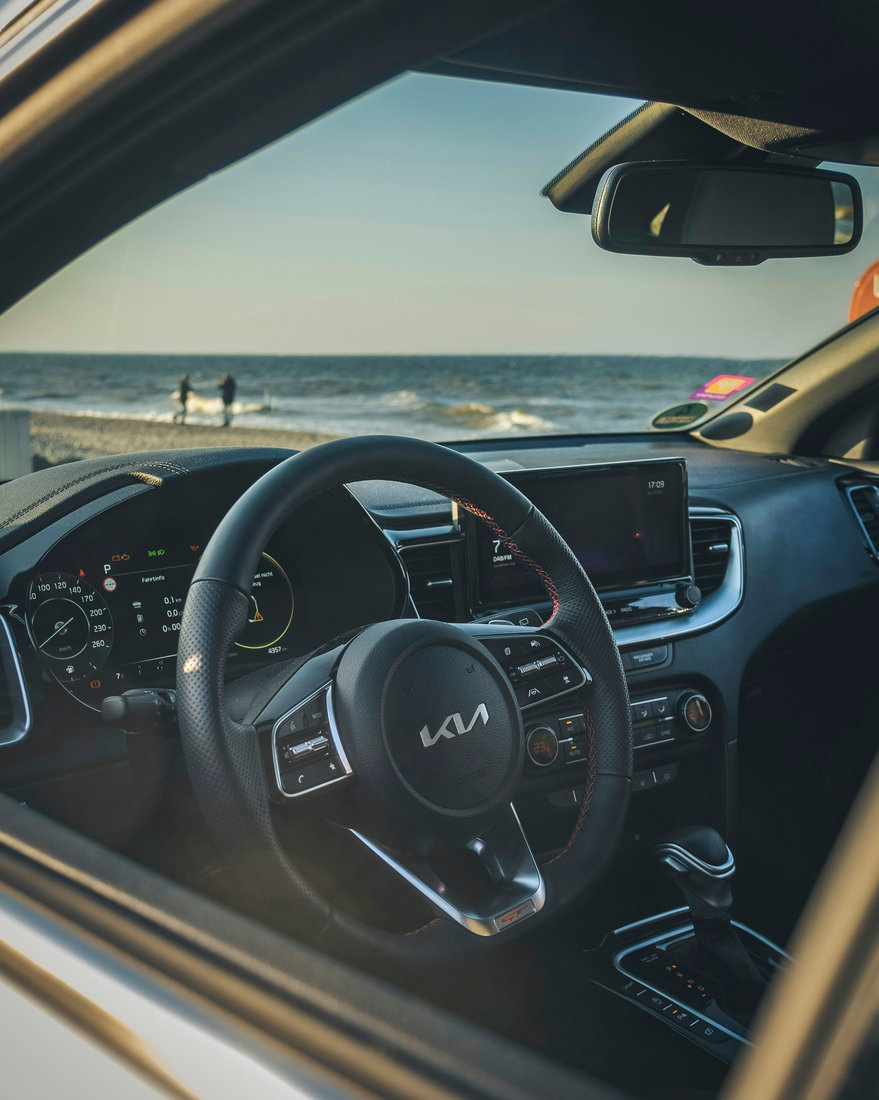
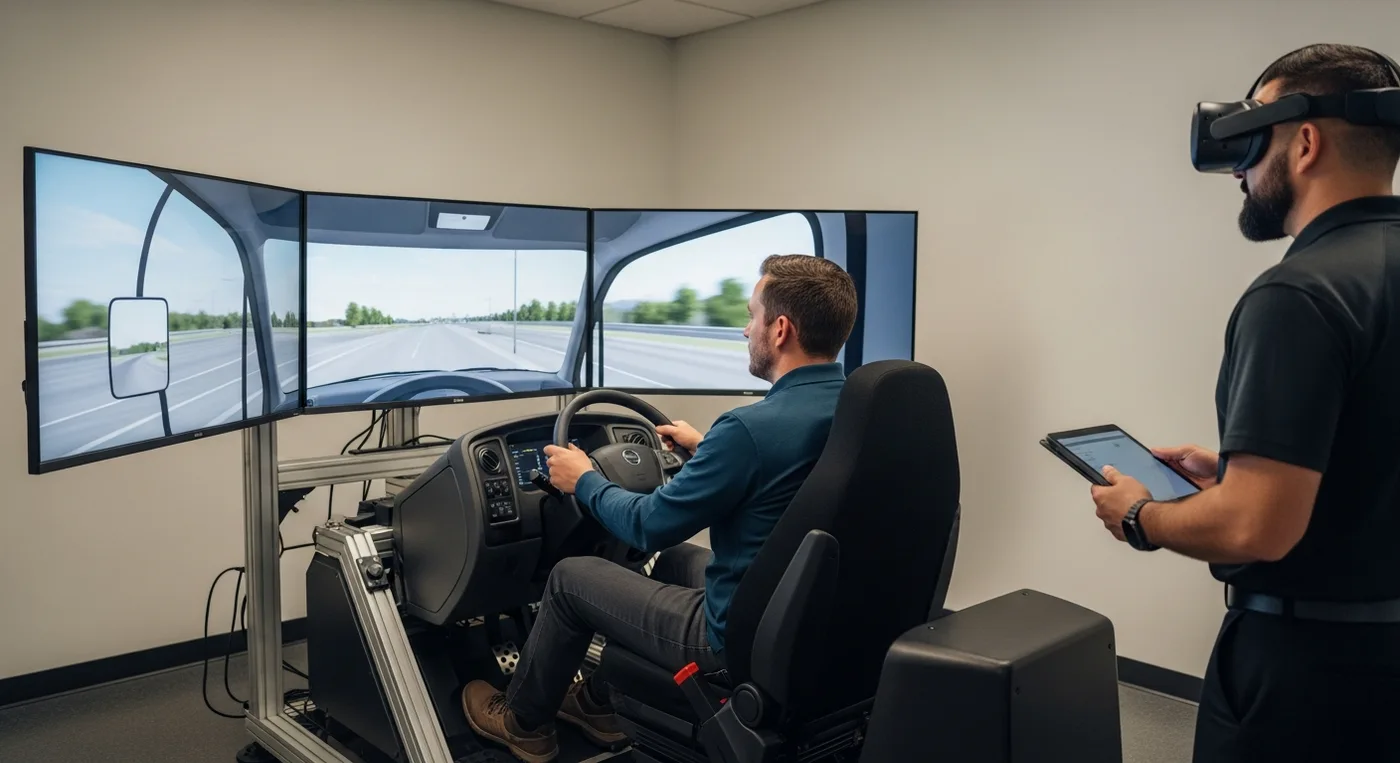
Driver-in-the-loop simulation, often shortened to DIL, is a test method in which a human participant drives or supervises a virtual vehicle. The person uses real controls such as a steering wheel, pedals, switches, touchscreens, voice interfaces, or a full cockpit. A real-time model calculates vehicle and traffic behavior, while displays, projection, sound, or a headset create the road environment. The purpose is not entertainment. It is a controlled experiment that links an engineering or design question to measurable human and vehicle responses.
The central difference from an automated virtual test is that the human becomes part of the closed control loop. The vehicle influences the driver through motion, sound, visuals, warnings, and automation behavior. The driver then changes the vehicle through steering, braking, acceleration, gaze, decisions, and interaction. That reciprocal relationship is critical when performance depends on perception, judgment, trust, comfort, attention, or response time. Automated test agents can repeat defined behavior, but they do not reproduce the uncertainty, adaptation, misunderstanding, and competing priorities of real people.
DIL answers questions that pure software testing cannot resolve well. Will a takeover request be noticed during a secondary task? Does a driver understand which mode is active? Is a warning urgent without being startling? Can a user reach a control while maintaining lane position? These questions connect directly with Mimic Mobility’s work in automotive HMI testing and AI in-vehicle agents.
Fidelity should follow the intended claim. An early interface study may need correct display timing, a believable traffic task, and representative cabin geometry but only a simple dynamics model. A handling study may require validated steering, tires, suspension, road friction, motion, and force feedback. A driver-monitoring study may prioritize gaze targets, occlusion, illumination, camera geometry, and synchronized eye-tracking data. Adding realism that does not affect the research question increases cost without necessarily increasing validity.
Use DIL for HMI, shared control, ergonomics, workload, attention, trust, training, and takeover behavior.
Keep requirements, scenarios, configurations, and pass criteria traceable.
Treat the simulator as a measurement system, not only a visual demonstration.
Document exactly which conclusions the setup can and cannot support.
How a Driver-in-the-Loop Simulator Works
A DIL simulator joins several systems in real time. The vehicle model calculates motion from driver inputs and environmental forces. The scenario engine controls roads, traffic, pedestrians, signals, weather, and events. The rendering system produces synchronized visual, audio, and sometimes motion cues. Physical interfaces provide controls and feedback. Data acquisition records relevant signals against a shared time base so researchers can reconstruct what the system showed, what the participant perceived, and how both responded.
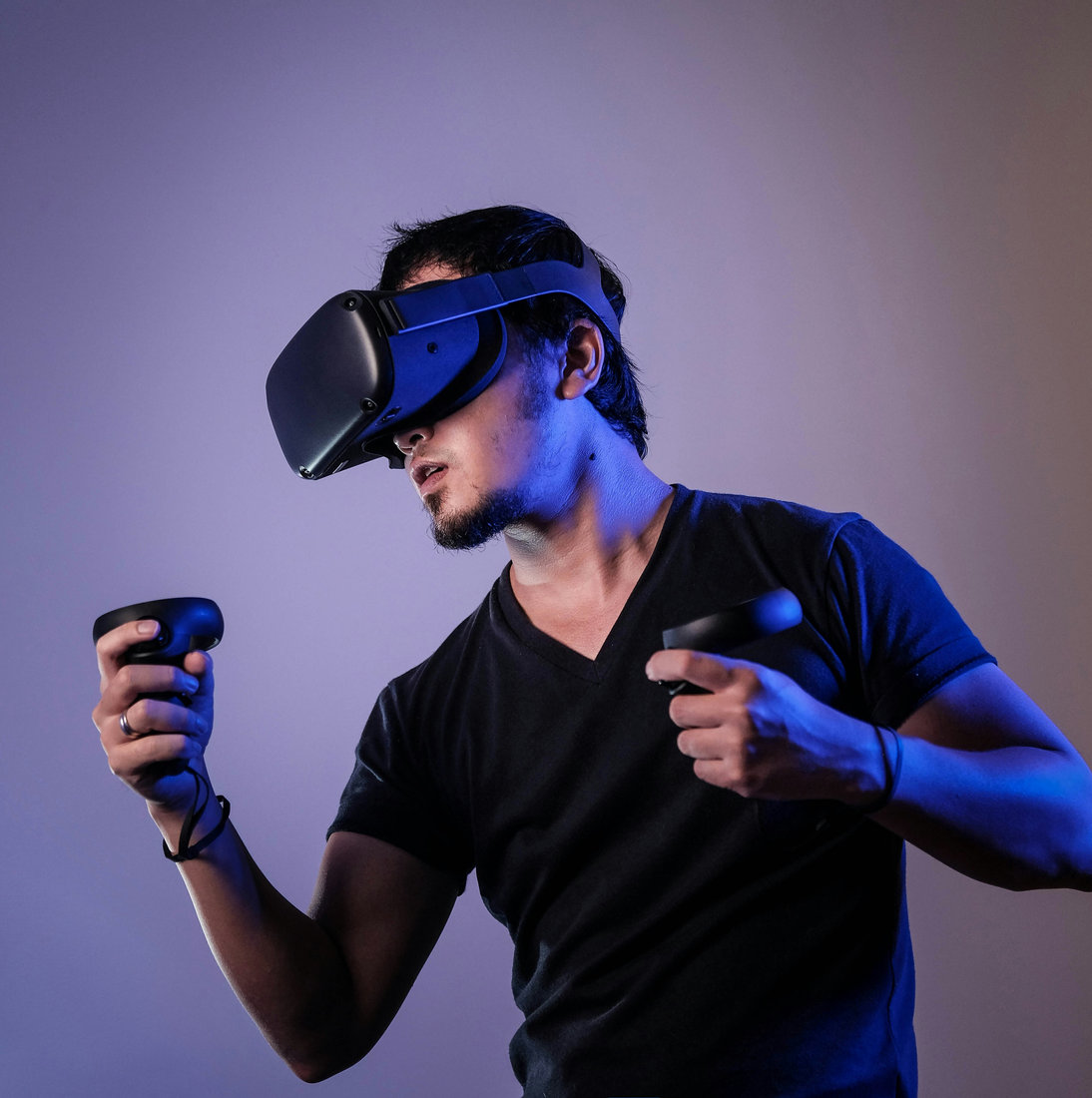
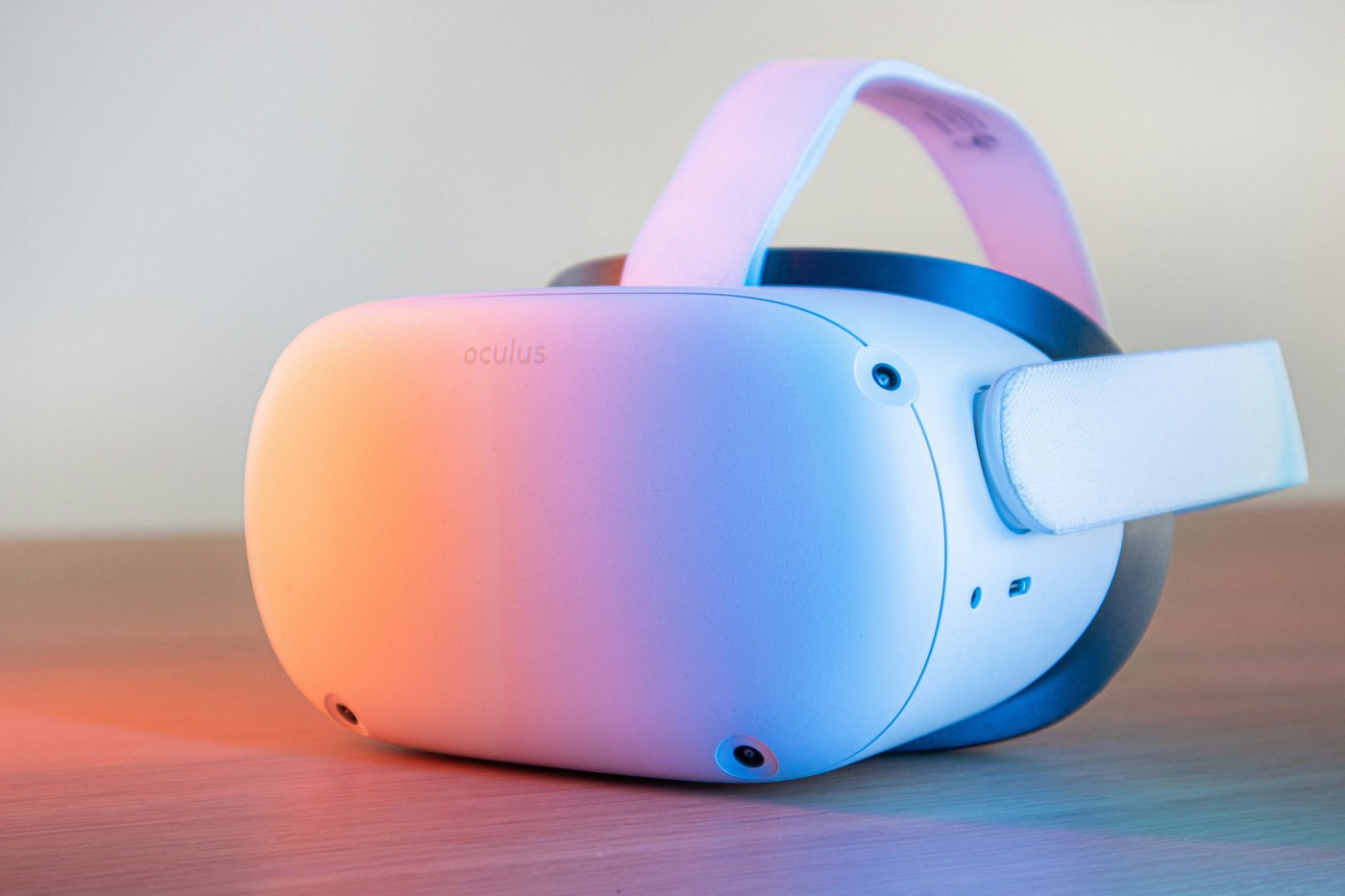
Architectures range from desktop rigs to complete vehicle cabins on motion platforms. Fixed-base systems are often sufficient for HMI, attention, navigation, and many ADAS studies. Motion platforms can add vestibular cues for braking, acceleration, cornering, and ride, but they introduce cost, tuning, workspace, safety, and cueing limitations. Virtual reality expands field of view and makes environments flexible, while projection systems keep physical controls visible and may reduce some headset constraints. The least complex architecture that supports the decision is usually the best starting point.
Real-time 3D content determines what the participant perceives. Road markings, traffic behavior, lighting, sight distance, mirrors, displays, weather, and nearby actors must support the objective. Mimic Mobility’s automotive simulation and virtual prototyping guide explains how virtual models move decisions earlier, while its technology services connect real-time 3D with eye tracking, facial tracking, motion capture, and scanning.
Latency must be measured end to end. Delays appear in control sensing, model execution, networks, rendering, display scanout, eye-tracker synchronization, audio, and motion cueing. Excess latency changes vehicle feel, weakens timing conclusions, and can contribute to simulator sickness. Before participant work, engineers should test acceleration, steady turns, step steering, braking, lane changes, control sweeps, event triggers, and HMI timing, then compare important outputs with known models or physical measurements.
Human-Factors Metrics That Matter
A useful study combines objective behavior with carefully designed subjective evidence. Driving measures can include lane position, steering reversal rate, speed control, headway, braking onset, time to collision, minimum separation, intervention count, takeover time, and recovery quality. HMI measures can include glance behavior, task completion, input errors, missed alerts, confirmation time, and mode awareness. Researchers should predefine primary outcomes so a large signal set does not become an invitation to search for convenient results.
Eye tracking adds information about visual attention: fixation location and duration, glance transitions, eyes-off-road time, mirror use, display sampling, and response to warnings. Head pose helps when broad orientation matters. Facial or physiological measures may offer supporting evidence about workload or arousal, but a single signal should not be treated as a direct reading of emotion, comprehension, or safety. Context, task demands, baseline behavior, individual differences, and sensor quality all influence interpretation.
A fast response is not automatically a good response. A quick takeover can be abrupt and unstable, while a longer one may be appropriate if the system offers a safe transition. Few glances at a screen may indicate an intuitive interface or total disengagement. The study must connect every metric to a task model, scenario, baseline, and hypothesis. Mimic Mobility’s ADAS simulation validation plan provides a complementary framework for requirements, operational conditions, scenarios, and evidence.
Subjective ratings capture workload, usability, trust, comfort, perceived safety, situation awareness, and preference. Established instruments can improve comparability, but questionnaires should remain short enough to avoid fatigue. Interviews help explain why behavior occurred and should be analyzed systematically. Recruitment must reflect the question: age, driving experience, automation familiarity, vision, mobility, language, and technology confidence can all influence results. Comparative claims need a sample-size calculation based on the planned analysis and expected variability.
Synchronize vehicle, HMI, event, video, gaze, and participant-response streams.
Include baseline conditions and counterbalance order when learning or fatigue may bias results.
Pilot scenarios to test difficulty, timing, sickness risk, and data quality.
Protect privacy through consent, minimization, retention rules, and controlled access.
Where DIL Fits in the xIL Validation Stack
DIL is one layer in a broader x-in-the-loop strategy. Model-in-the-loop tests algorithms against abstract models while architecture is fluid. Software-in-the-loop runs production-intent code against simulated vehicles, sensors, and environments at scale. Hardware-in-the-loop connects real ECUs, networks, or components to virtual surroundings. Vehicle-in-the-loop brings an instrumented physical vehicle into a controlled test system. Driver-in-the-loop adds human perception and action wherever they are decision-critical.
These layers should cooperate. Fast automated tests explore large parameter spaces, screen regressions, and identify risky boundaries. DIL then examines selected situations in which a driver, passenger, operator, or technician can change the outcome. Closed-track and public-road tests confirm integrated behavior and reveal phenomena outside the models. Promotion gates control cost: functions should reach DIL only after basic logic, interfaces, scenarios, logging, and safety controls pass lower-cost checks.
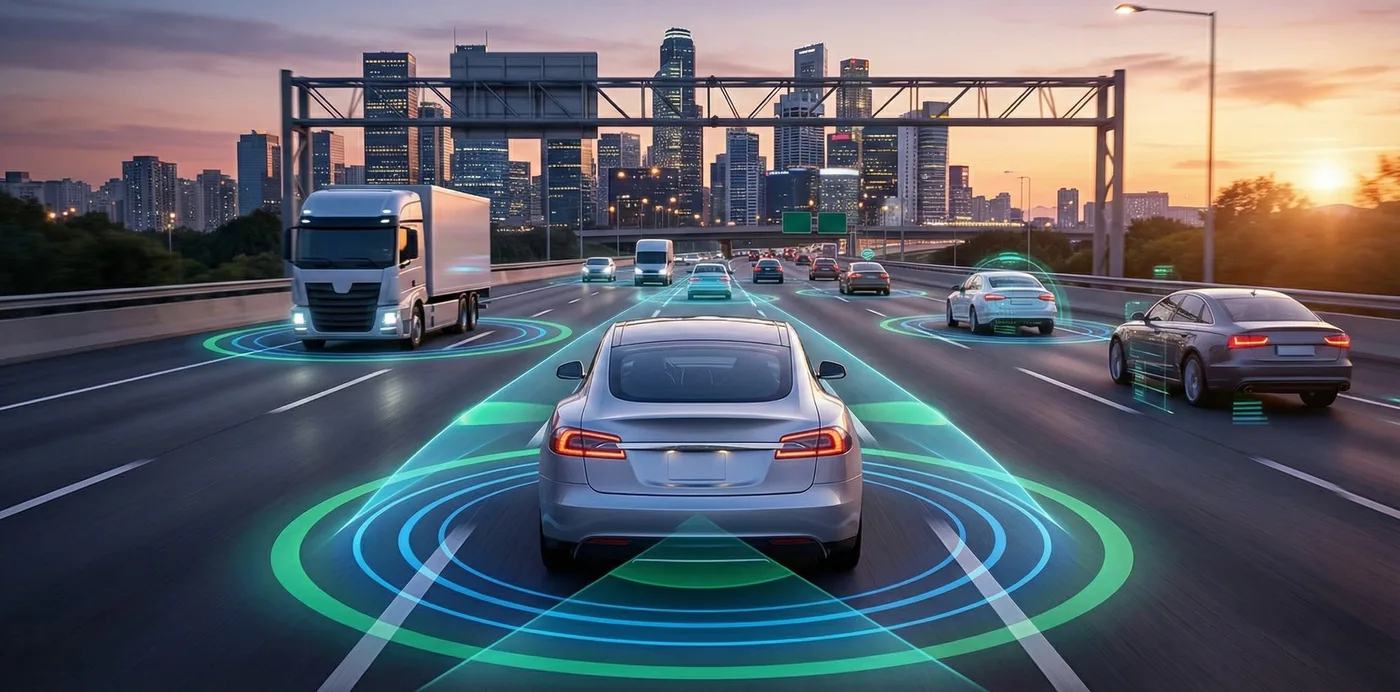
For automated-driving programs, DIL is especially valuable for transition of control, shared steering or braking, driver-monitoring logic, misuse, trust calibration, minimum-risk maneuvers, and explanations. The autonomous vehicle simulation guide describes the larger scenario system. DIL supplies evidence about the human side. Failures should be reduced to reproducible cases and returned to automated regression whenever possible.
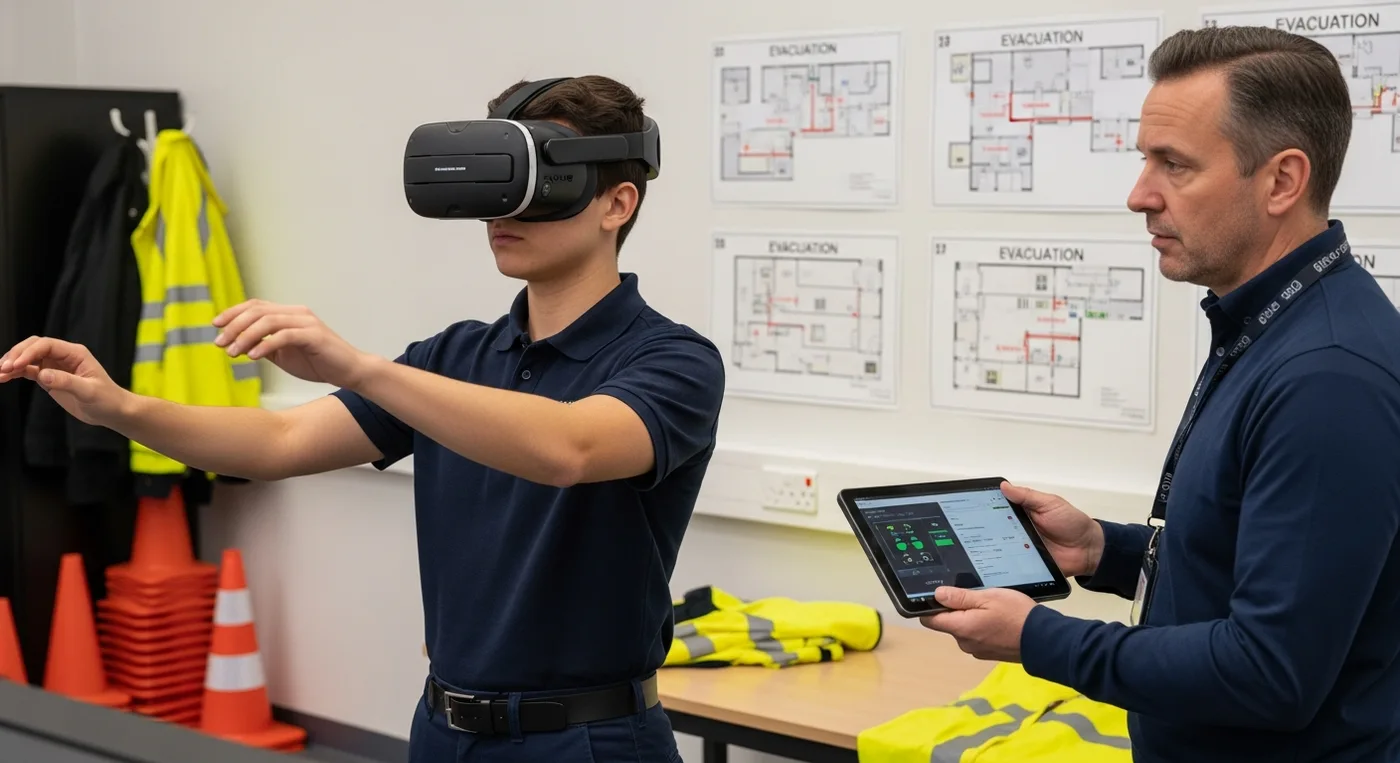
DIL also supports training and operational readiness. Drivers, fleet personnel, emergency teams, and technicians can rehearse hazardous or rare conditions without exposing people or assets. Mimic Mobility’s guide to virtual driving simulation for fleet training and its article on VR emergency-response training show how repeatable scenarios extend beyond product engineering.
How to Plan a Driver-in-the-Loop Program
Start with a decision, not equipment. Define what the team must learn, who will use the result, and what action could follow. Translate that decision into hypotheses, scenarios, participant characteristics, measurements, acceptance logic, and required fidelity. A clear question often reveals that a modest rig is sufficient—or that a proposed experiment cannot support the desired claim. Separate formative exploration from confirmatory evidence so early learning remains flexible without weakening later conclusions.
Build a scenario matrix around representative use, boundaries, known hazards, foreseeable misuse, degraded conditions, and recovery. Specify initial states, actors, triggers, timing, environment, automation state, and expected outcomes. Use realistic operational data where it materially changes behavior. Version the vehicle model, HMI build, scenario, environment, control mappings, hardware, calibration, questionnaires, analysis code, and randomization schedule. Record exclusions and deviations rather than silently cleaning unexpected results.
If synthetic actors or data are used, document their provenance, distributions, and limits. The synthetic data for mobility AI guide offers a useful governance baseline. Participant safety needs its own protocol: screen for relevant conditions, explain that stopping is always allowed, provide familiarization, monitor symptoms, limit exposure, schedule breaks, and define stop criteria. Ensure the rig has safe access, stable controls, emergency shutdown, hygiene procedures, and supervision.
Define the decision, hypotheses, success criteria, and evidence owners.
Choose the least complex simulator architecture that supports the claim.
Pilot technical integration and participant procedures before the main study.
Randomize or counterbalance conditions and separate exploratory from confirmatory analysis.
Correlate critical outputs with physical measurements and disclose model limits.
Turn failures and insights into reusable automated and DIL regression scenarios.
The report should connect conclusions to data without overstating realism. Include the design, participant profile, apparatus, configuration versions, scenarios, data quality, analysis methods, results, uncertainty, limitations, adverse events, and recommended actions. Preserve enough provenance to reproduce important runs after a software, model, calibration, or hardware change. A credible DIL program produces an evidence trail that engineers, designers, safety teams, and decision-makers can inspect together.
Driver-in-the-Loop Simulation FAQs
What is driver-in-the-loop simulation?
It is an automotive test method in which a real person operates or supervises a simulated vehicle in a controlled virtual environment. The setup measures both vehicle response and human behavior.
How does DIL differ from software-in-the-loop testing?
Software-in-the-loop evaluates code against virtual models at high speed. DIL adds a human, physical controls, and a rendered driving experience to reveal confusion, discomfort, delayed reactions, and behavioral adaptation.
Does DIL replace road testing?
No. It reduces risk and improves preparation, while physical tests remain essential for correlation, final vehicle behavior, hardware effects, and phenomena the simulator does not represent faithfully.
Which systems benefit from DIL?
Common applications include ADAS warnings, automated-driving handovers, infotainment, navigation, digital clusters, voice and avatar assistants, ergonomics, visibility, driver monitoring, and hazardous-situation training.
What data should a DIL study record?
Record vehicle dynamics, control inputs, system states, event timing, HMI timing, synchronized video, gaze or head pose where needed, task responses, subjective ratings, and every relevant configuration version.
How many participants are needed?
There is no universal number. Exploratory work can begin small, while comparative or safety-related claims need a powered design based on expected effect size, variability, analysis, and confidence targets.
What causes simulator sickness?
Visual-motion mismatch, latency, field of view, frame-rate instability, aggressive scenarios, and individual susceptibility can contribute. Familiarization, stable performance, shorter sessions, breaks, and stop rules help.
How is a DIL simulator validated?
Compare relevant responses with physical measurements, verify timing and controls, repeat known scenarios, quantify latency, document model limitations, and confirm the setup is representative enough for the intended claim.
Can DIL support autonomous-vehicle development?
Yes. It is valuable for handovers, shared control, driver monitoring, trust calibration, explainability, fallback behavior, and testing human responses when automation reaches a boundary.
Conclusion
Driver-in-the-loop simulation makes the human part of automotive validation while change is still relatively fast, safe, and affordable. Its strength is controlled interaction, not spectacle. When scenarios, timing, models, measurements, participants, and analysis align with a clear decision, DIL can expose usability, attention, workload, trust, ergonomics, and takeover risks before they become expensive physical problems.
Talk to Mimic Mobility about a tailored driver-in-the-loop environment, automotive HMI study, real-time 3D simulator, or human-factors validation program. Explore Mimic Mobility’s 3D simulation services or contact the Berlin team to plan a focused project.